Monster Hunter Wilds PC Benchmark Analysis

Testing Monster Hunter Wilds’ PC Benchmark

Testing Capcom’s Monster Hunter Wilds’ PC Benchmark
Monster Hunter Wilds is coming to PC later this month, and to prepare for this launch, Capcom has released a dedicated PC benchmarking tool for the game. This allows PC gamers to see how their PCs perform across several test areas, including gameplay and cutscene simulations.
In this article, we will be diving deep into Monster Hunter Wild’s PC settings. This includes DLSS, FSR, and Frame Generation. Additionally, we will be looking at how the game performs across a wide range of graphics cards, both old and new.
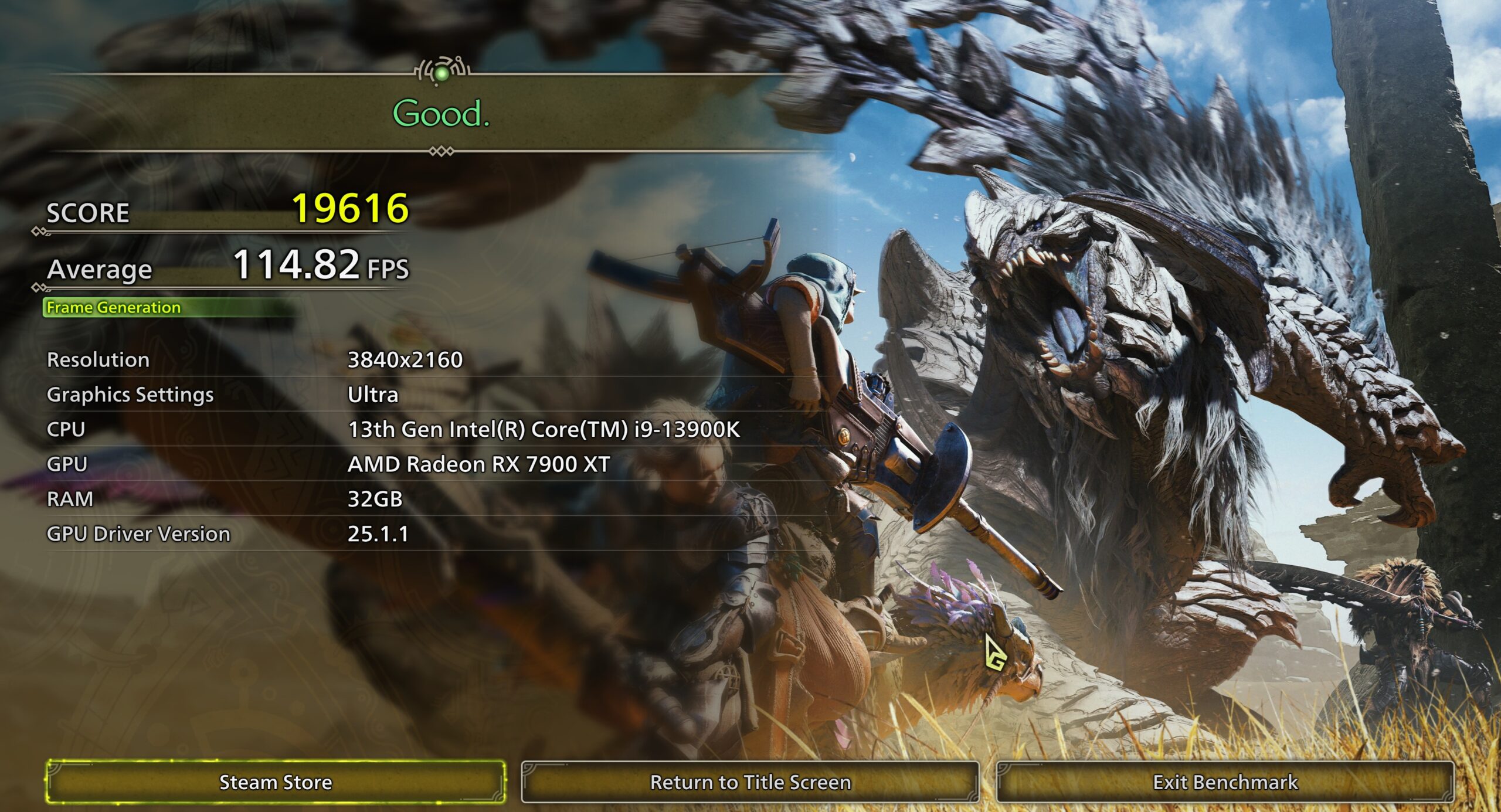
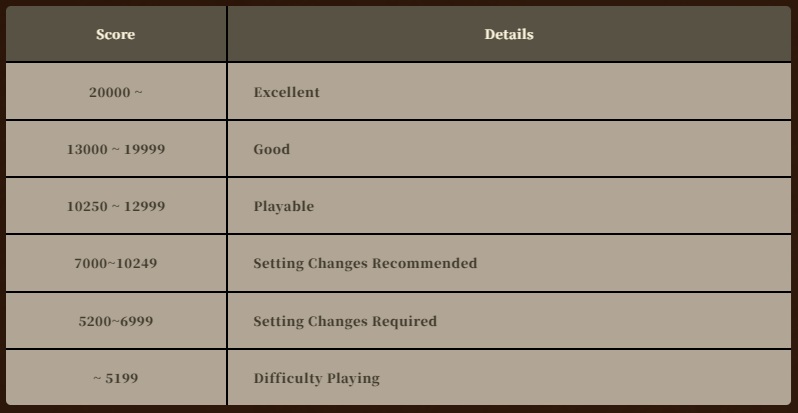
At the end of each benchmark run, the tool will give gamers a score and average framerate information. Note that frame-generation techniques will lower benchmark scores due to their overhead. This benchmark only counts rendered/real frames for its final score. This is why Frame Generation increases Monster Hunter Wilds’ framerate and lowers the benchmark’s score.
GPU Drivers
When testing Monster Hunter Wilds on PC, we used the newest Nvidia and AMD GPU drivers available when the game launched. These drivers were AMD Software 25.1.1 and Nvidia’s GeForce 572.16 driver for Windows 10/11.
Test Setup – OC3D’s New Test Rig
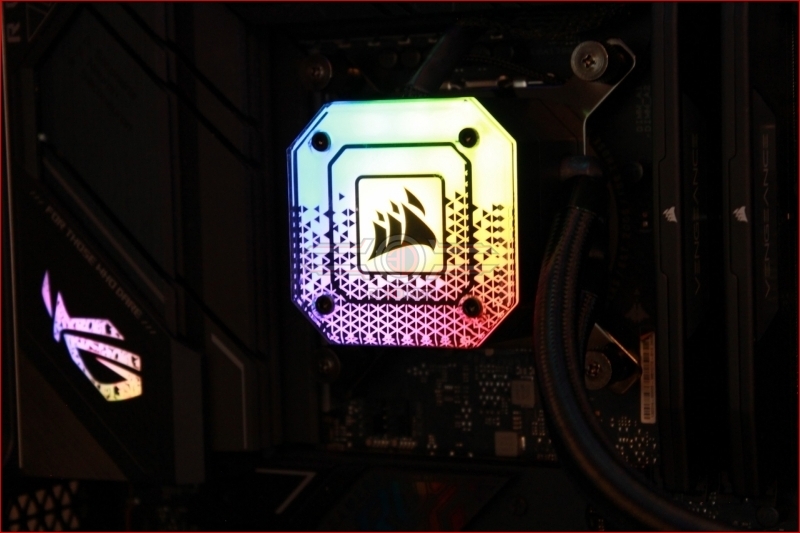
Mid-2023, OC3D started conducting new game testing and GPU reviews on a new test system. Thanks to Corsair, Intel, and ASUS, we have created a new testing system that will allow us to properly test new graphics cards and the newest PC releases. This system features Intel’s i9-13900K processor and a ROG Strix Z790-F Gaming motherboard, with all other components coming from Corsair.
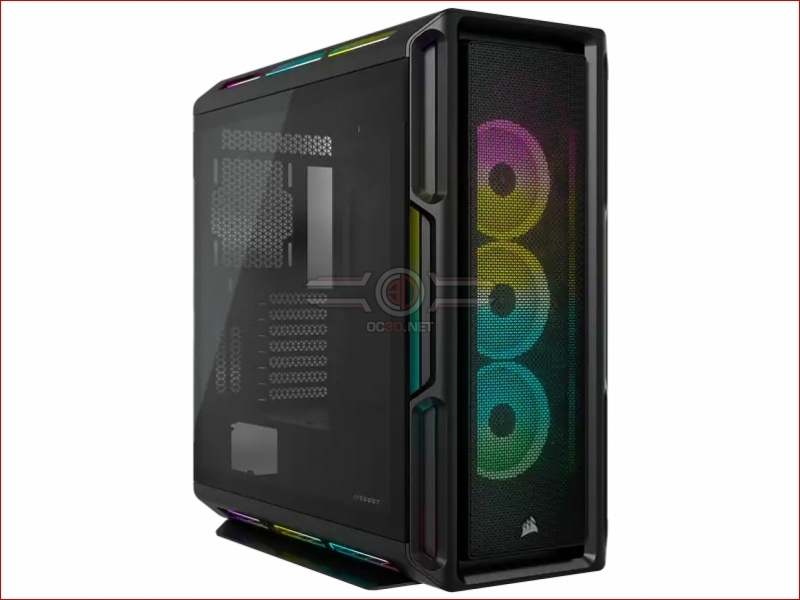
Our new test system is powered, cooled, and operated using Corsair components. The OS we will be using is Windows 11, and the case we will be using is Corsair’s airflow-optimised iCUE 5000T.
System Specs
Below are the full specifications of our new GPU/Games testing system and links to all the components we used.
OC3D GPU/Games Test System Specifications (Affiliate Links below)
CPU – Intel i9-13900K
Cooling – Corsair iCUE H150i Elite CAPELLIX XT
Motherboard – ASUS ROG Strix Z790-F Gaming WiFi
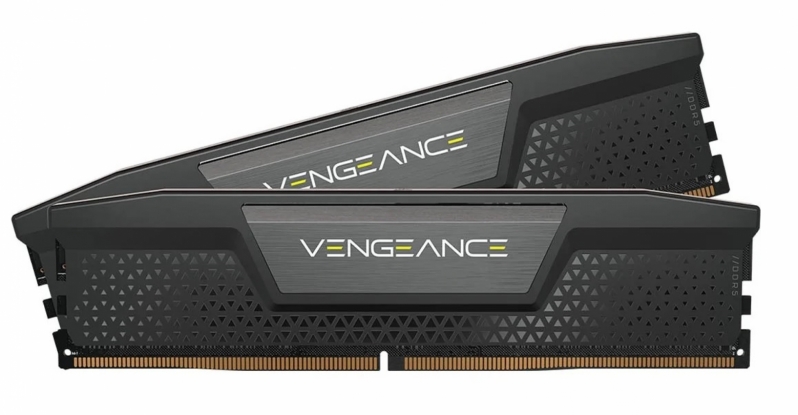
Memory – Corsair Vengeance 2x16GB (32GB) DDR5-6000 CL36 Memory
Storage – Corsair MP600 PRO NH 2TB PCIe 4.0 SSD
Case – Corsair iCUE 5000T RGB
Power Supply – Corsair HX1500i
OS – Windows 11
Nvidia GPUs Tested
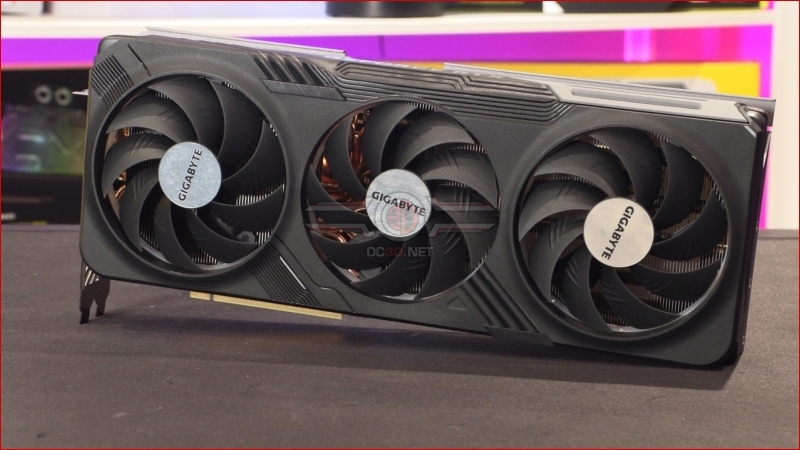
When testing new games, we like to use a large number of graphics cards to see how well titles run on both old and new PC hardware configurations. To do this, we use a large selection of AMD and Nvidia graphics cards, including recently released graphics cards from Nvidia’s RTX 40 series to older GeForce graphics cards like Nvidia’s RTX 2060.
- Gigabyte GeForce RTX 4070 Ti Gaming
- Gigabyte GeForce RTX 4070 WindForce
- Gigabyte GeForce RTX 3070 Ti Eagle
- Gigabyte GeForce RTX 3060 Ti Eagle
- Nvidia GeForce RTX 2070 SUPER Founders Edition
- Nvidia GeForce RTX 2060 6GB
AMD GPUs Tested
On the Radeon side of the GPU spectrum, we can test the following selection of GPUs, which includes both RX 7000 and RX 6000 series GPUs. (We have updated this article with RDNA 4 GPU data)
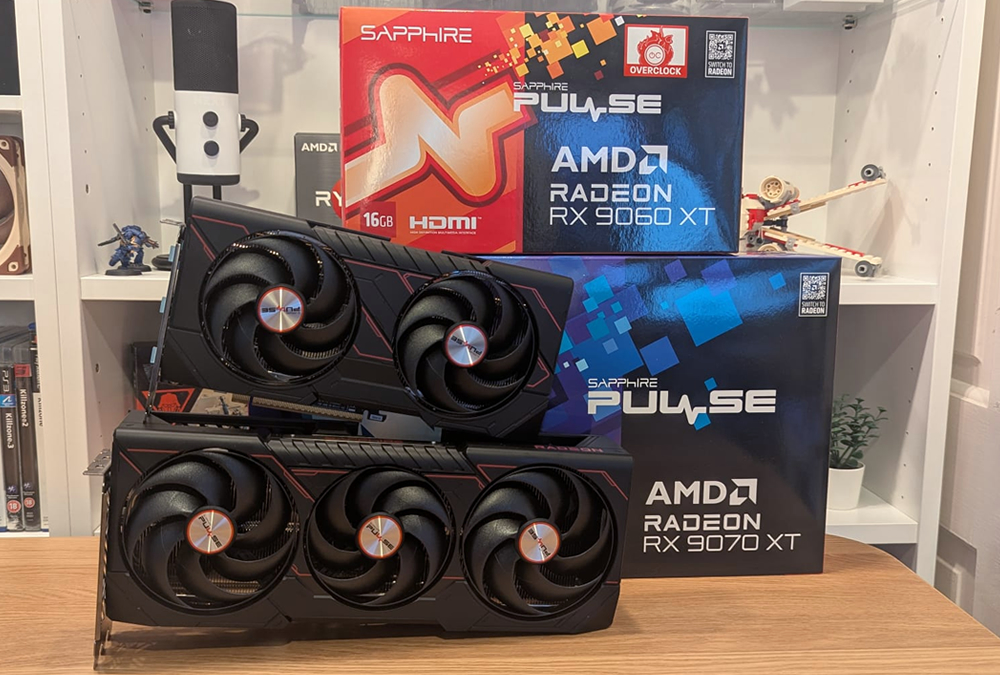
- Sapphire RX 9070 XT Pulse
- Sapphire RX 9060 XT Pulse
- Radeon RX 7900 XT
- Radeon RX 6800 XT
- Radeon RX 6800
- Radeon RX 6700 XT
- ASUS ROG Radeon RX 6600 XT Strix
- PowerColor RX 6600 Fighter