Gigabyte Z68X UD5 B3 Review

Hybrid Touch BIOS
The EFI Hybrid Touch BIOS is, without the flowery name, just a standard desktop tweak utility. The only difference is this one can inject your settings back to the BIOS. Although it isn’t the first one capable of that.
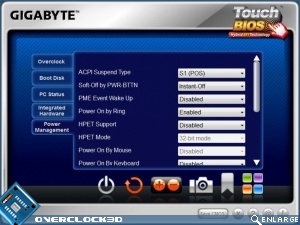
It’s so much like the other EFI BIOS’ that we’ve seen it’s even more infuriating that it isn’t installed as the actual BIOS. The icon front end moves you to each sub-menu, exactly as you’d expect in a standard BIOS. From top left to bottom right we have Overclocking, Boot Settings, Quick Boost, Hardware Status, @BIOS, Hardware, Power Settings, Load Optimised Defaults and Set Password. Across the bottom are Save and Quit, Back, Adjust, Take Screenshot, Bookmark and Main Menu.
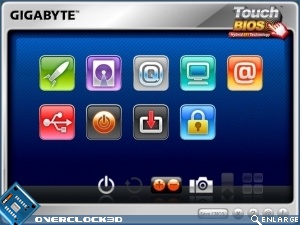
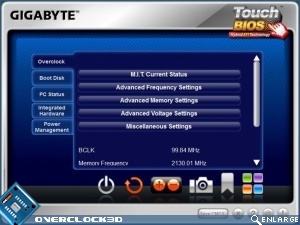
Once you’ve clicked each icon you get taken to a screen that is just like those you’d get in your BIOS, but with drop-down menus. Updates to temperatures and fan speeds are in real-time as you’d expect.
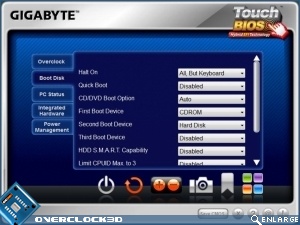
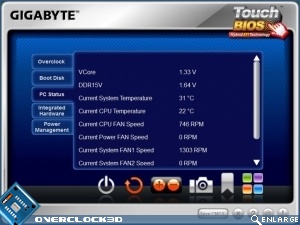
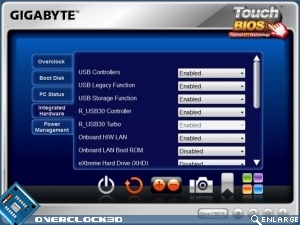
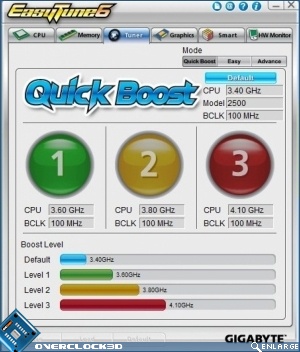
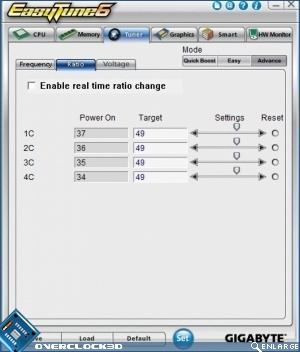
If that doesn’t float your boat, you can instead use the standard EasyTune6 software that we’re sure you’ve all seen before. This does many of the features the Touch BIOS does, but with the ability to overclock “live” once in Windows. As getting into Windows has been the downfall of many a high overclock, this can almost prove more useful for those seeking the really high scores.