Bambu Lab H2D Laser 3D Printer Review – Make Everything!

3D Printing – Multi-Colour Madness
Initial prints
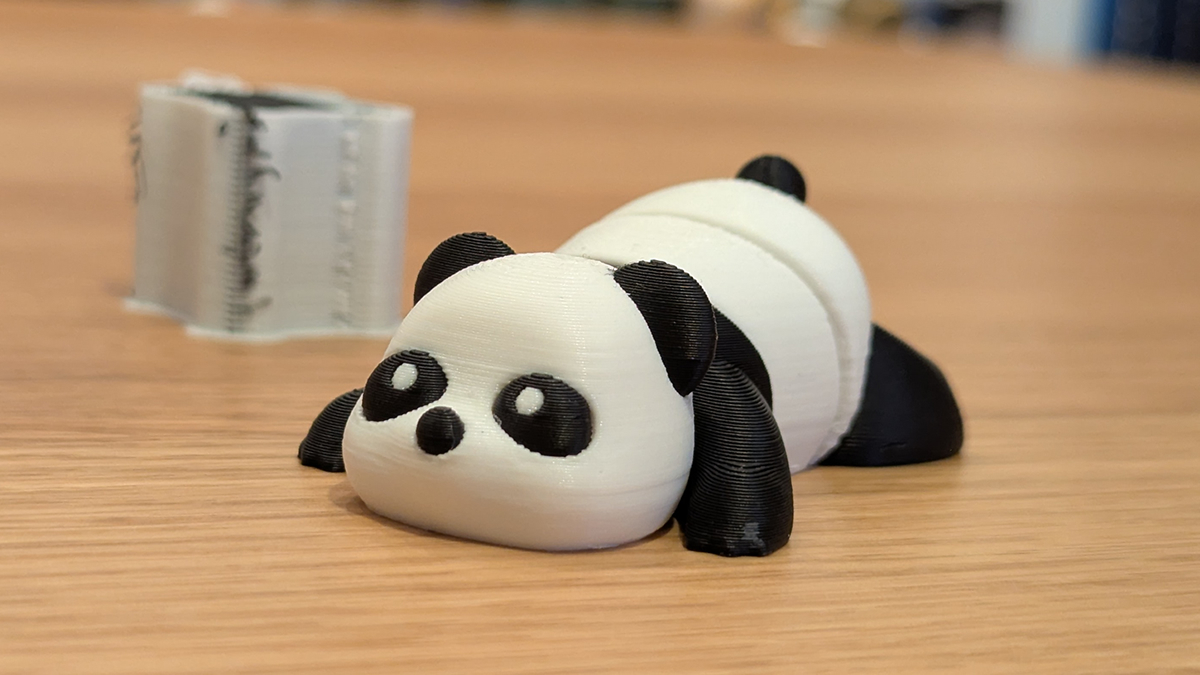
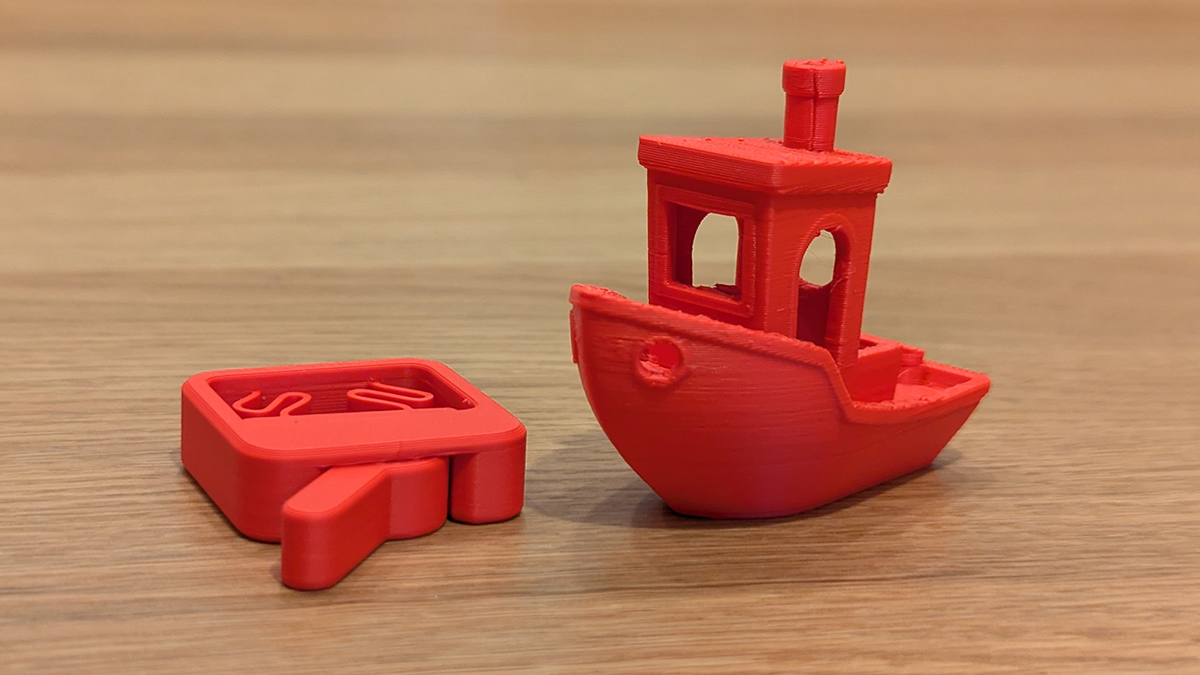
After setting up the H2D Laser, we did some simple 3D prints. This included a 3D benchy, a must for any 3D printer, a switch fidget toy, and a two-colour Panda. The panda, shown above, is articulated and prints using both of the H2D’s nozzles.
With the H2D’s two nozzles, this Panda print can be completed without any filament changes. That means no wasted time or material from filament changes. The print did have a purge tower, but that wasted material is vital for maintaining print quality.
Dual Colour is the Bambu Lab H2D’s speciality
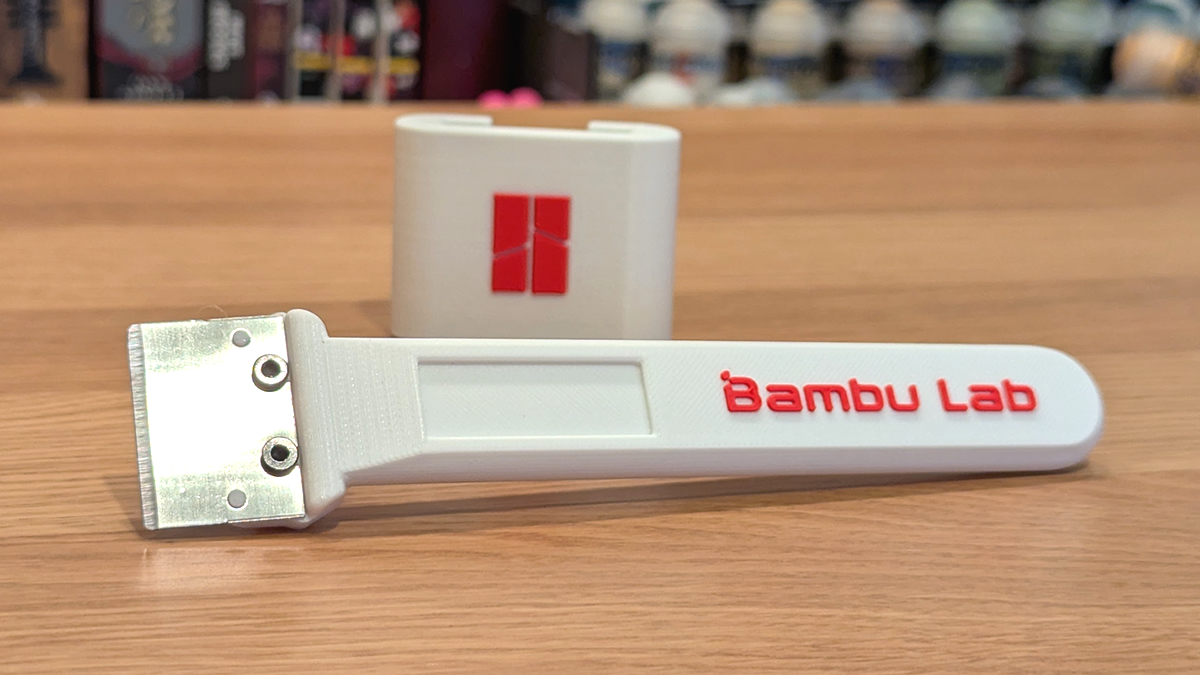
Since the H2D Laser came with parts for a Bambu Lab scraper, we decided to take this print to the next level by making this a dual-colour print. We simply painted the parts we wanted red in Bambu Studio, sliced the files, and sent them to the printer. The results were awesome!
Multi-colour printing can turn single-tone objects into something much more satisfying. With the H2D’s dual nozzle setup, waste is minimised. No filament changes were needed!
More Colours!
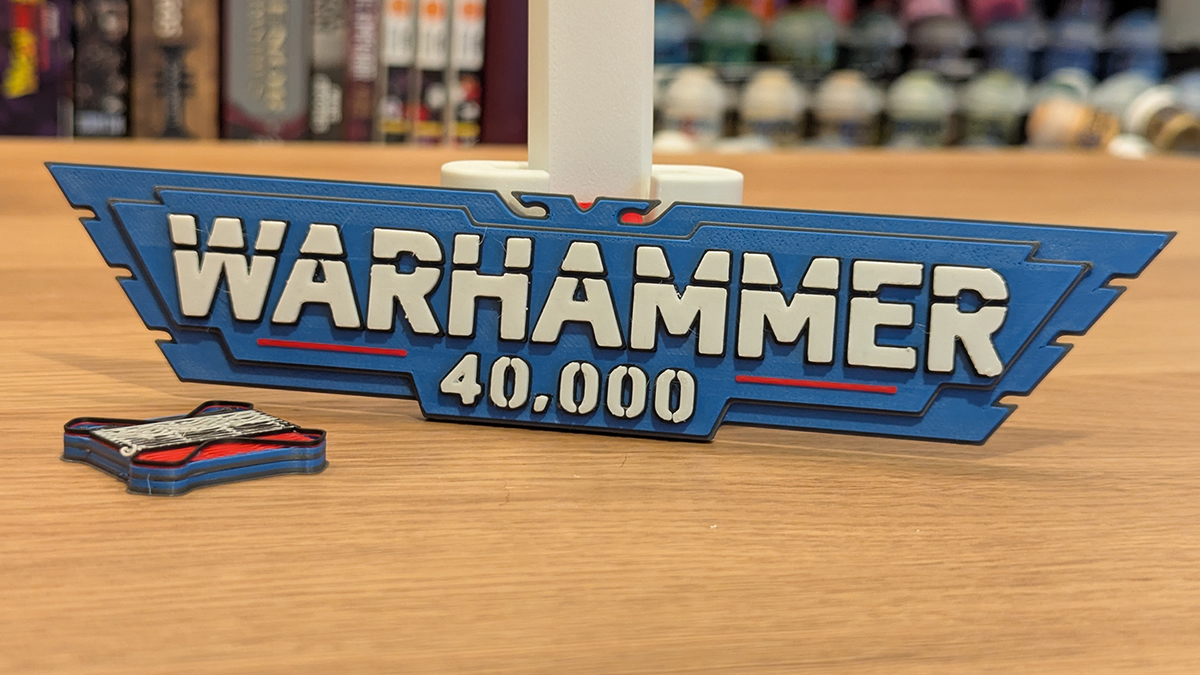
As an avid Warhammer fan, I wanted to see how the 40K logo would print on the H2D. This print used white, black, grey, red, and blue filament. This made this print perfect for the AMS 2 Pro. Overall, the results are very satisfying.
More Warhammer stuff!
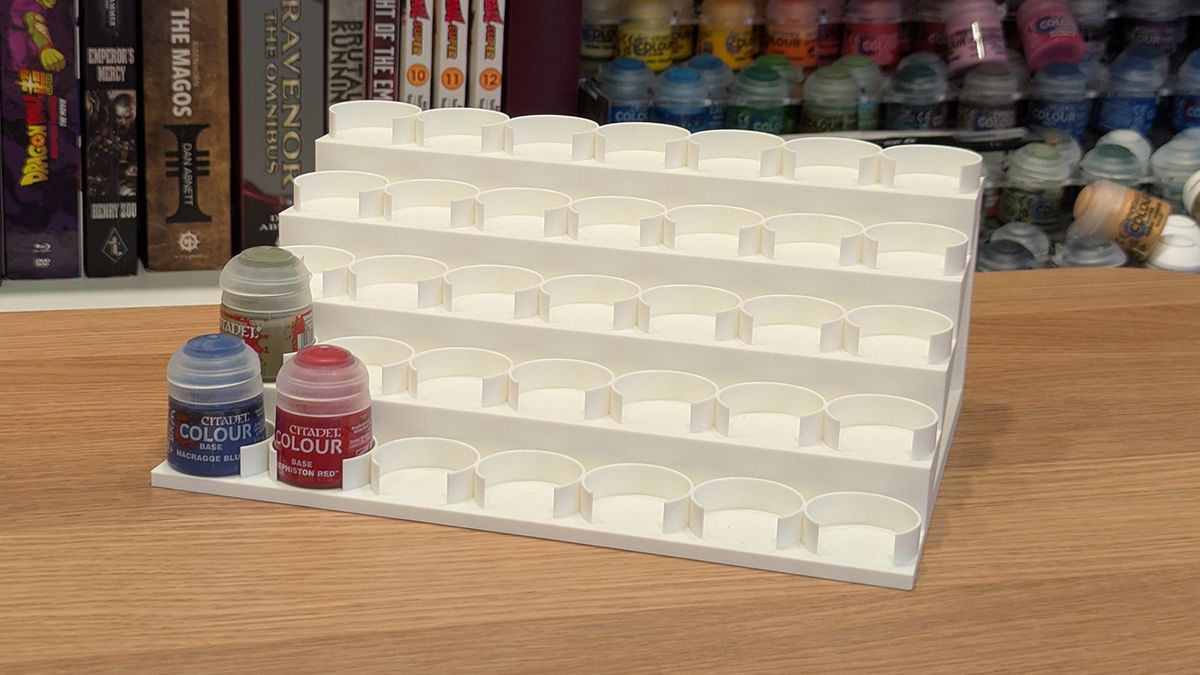
As a Warhammer collector, I have a lot of paint. I arguably have too much paint. To help store more paint, I printed this paint stand from kristjan.pucko, which is available on MakerWorld.
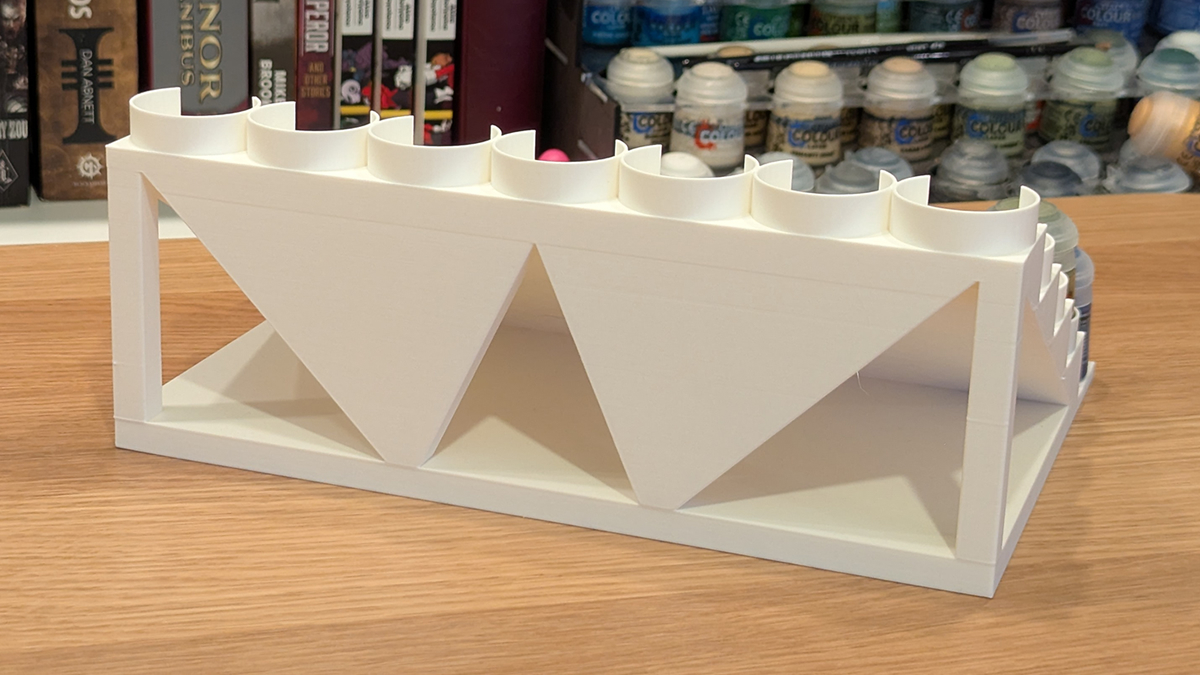
At the rear of this print, we have overhangs, and it was printed without any issues. I used some old white filament for this print to test the AMS 2 Pro’s drying feature. To say the least, drying this filament made it print as if it were new again. Perfect!
More multi-colour printing
With standard, single-colour 3D printers, you can only print with one colour/material at a time. Yes, you can program pauses into your prints and do manual filament changes, but that’s a very tedious process. With the AMS 2 Pro, we can print a bed with several colours with ease. With the H2D, filament changes are minimised.
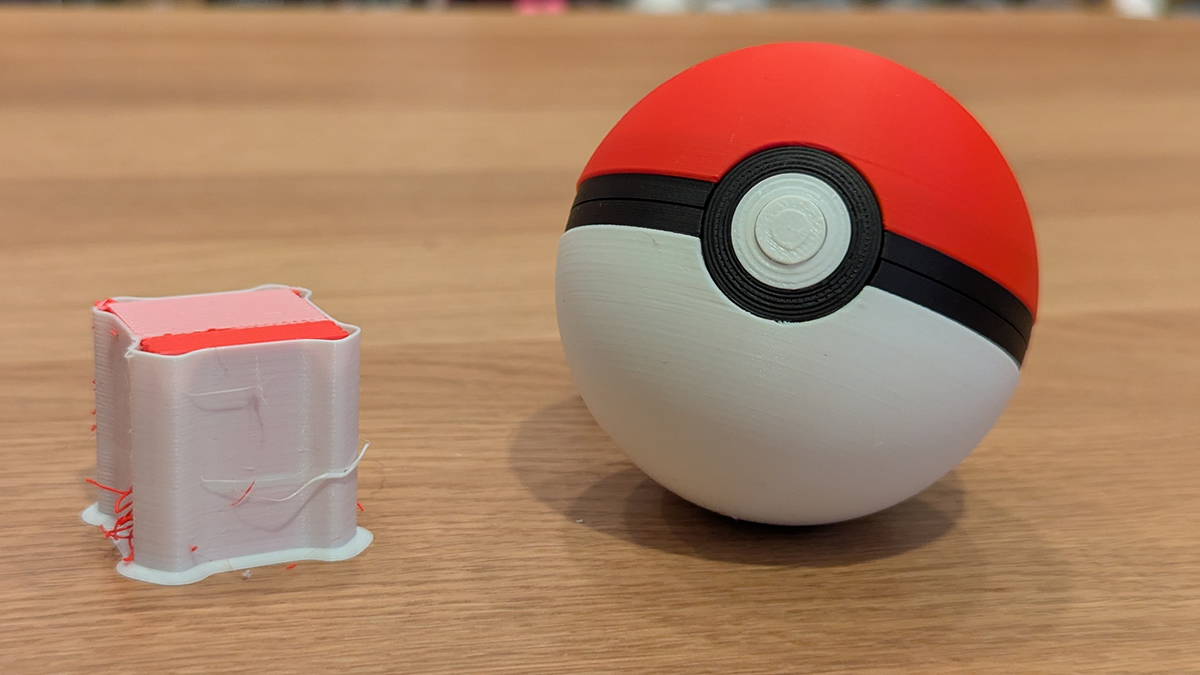
In the case of this Pokeball print below, from yoyothechicken, filament changes were only necessary for the early layers where black is used. For all higher layers, no colour switches were needed thanks to the H2D’s dual nozzle setup.
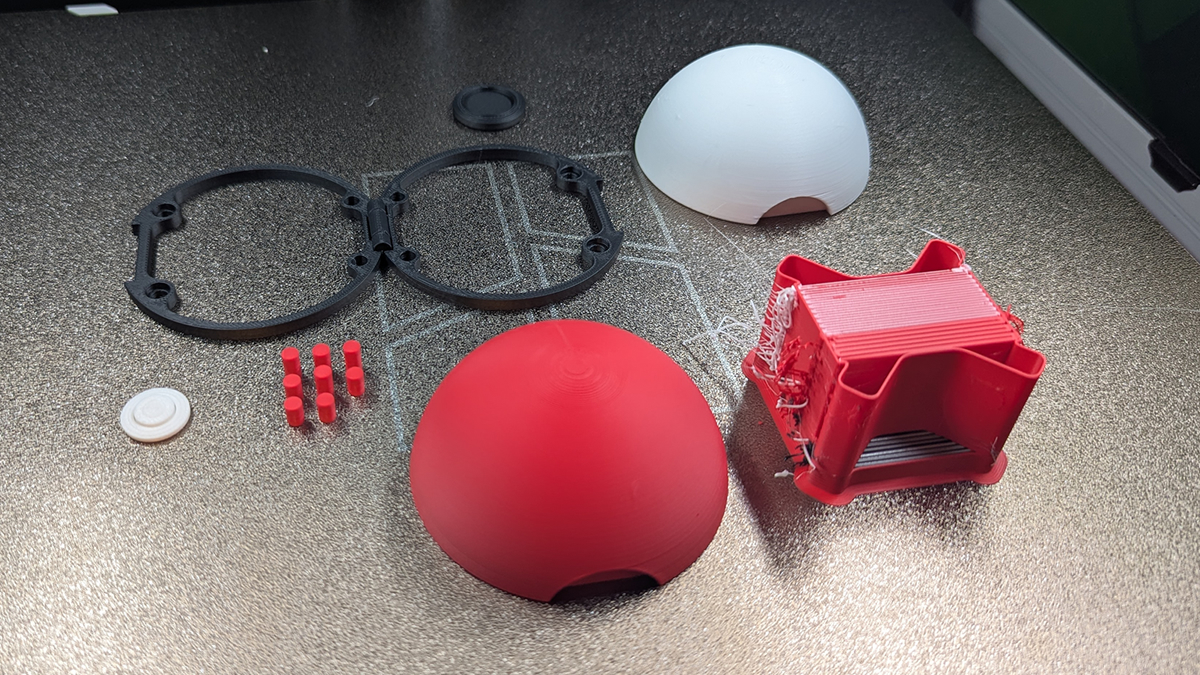
Overall, we have great print results below. The hinges on the black parts work perfectly and everything fitted together nicely.
Useful prints
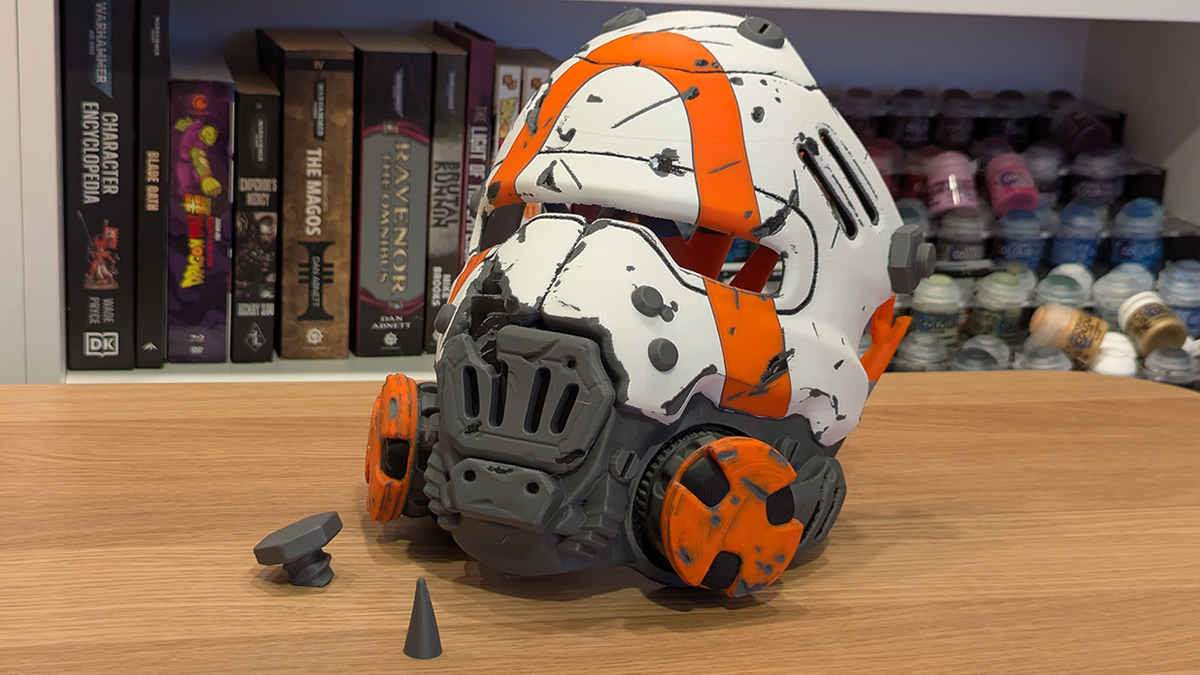
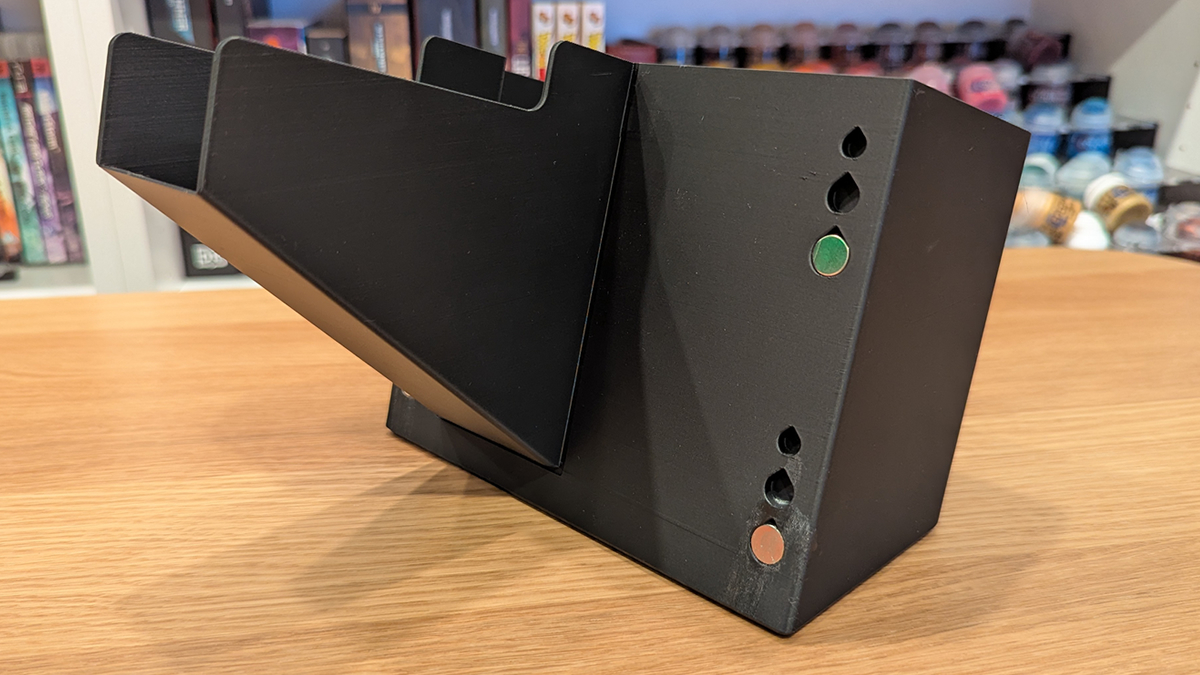
Since filament changes involve purging material out of the rear of the printer, I decided to print a “poop chute”/bin for the printer. I used the Large bin design from Maxx Design, as he had a model specifically for the H2D Laser. For large multi-colour prints, like for our Borderlands 4 mask below, this bin isn’t large enough for the waste that can be produced. That said, the bin is great for general prints.
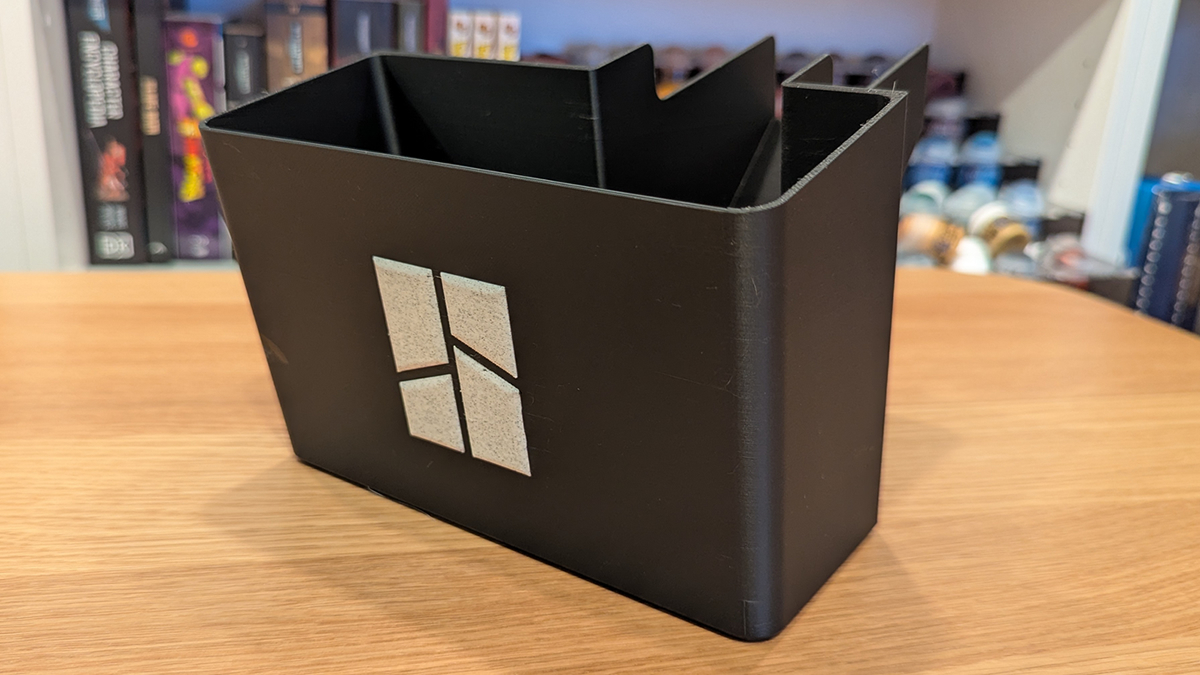
With its marble-colour Bambu Lab logo, this chute looks great. Sadly, my glueing skills need some work. The only thing ruining the look of this print is my overuse of superglue.
Ultimate stress test! Borderlands 4 Mask
If you watched our Time-lapse video on page 1, you will already know what’s coming. Gearbox released files for a Borderlands 4 ripper mask for cosplayers, and we just had to print it. It was an excellent test for the AMS system and the H2D. This mask tool takes three days to print, using the H2D with an AMS 2 Pro. Had we used the single nizzle H2S, this print would have taken more than a day longer. That’s how long the extra filament changes would have taken.
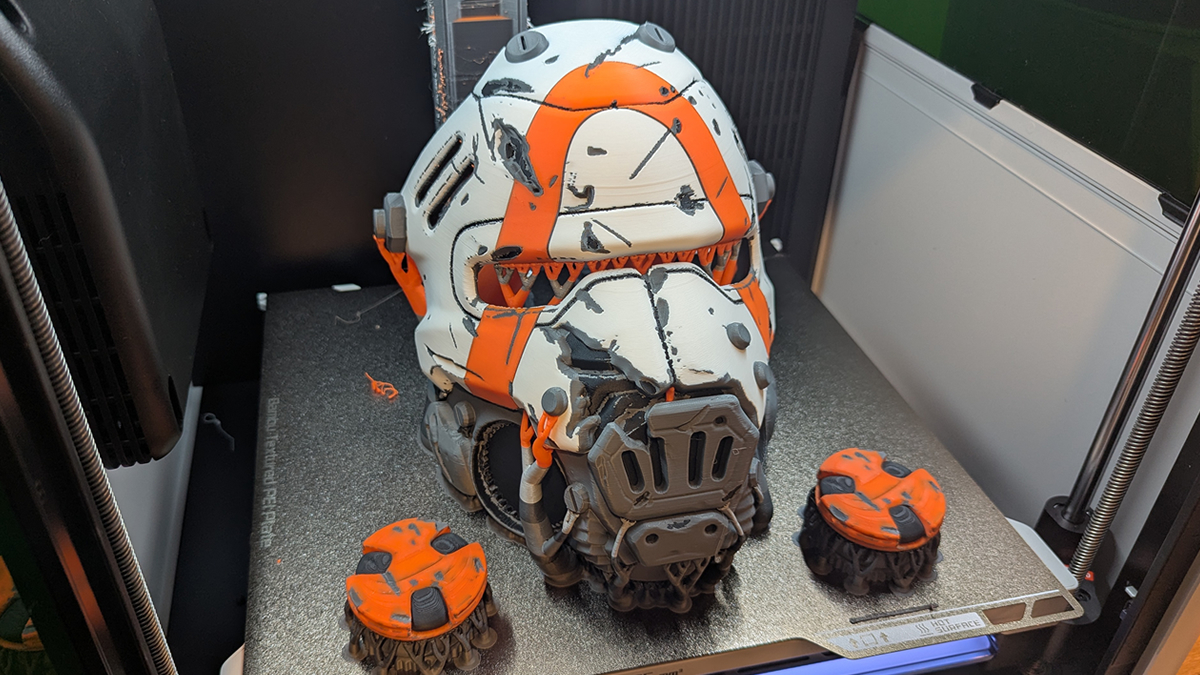
The dual-nozzle nature of the H2D saved 950 filament changes. That’s a lot of filament purging and wasted material. While a 4-way tool changer would save more material, having two nozzles on the H2D certainly has its perks. More than a day, less print time, and over 950 fewer printer poops (filament changes).