Bambu Lab H2D Laser 3D Printer Review – Make Everything!

Bambu Lab AMS 2 Pro and AMS HT
The AMS 2 Pro – a big upgrade for the AMS
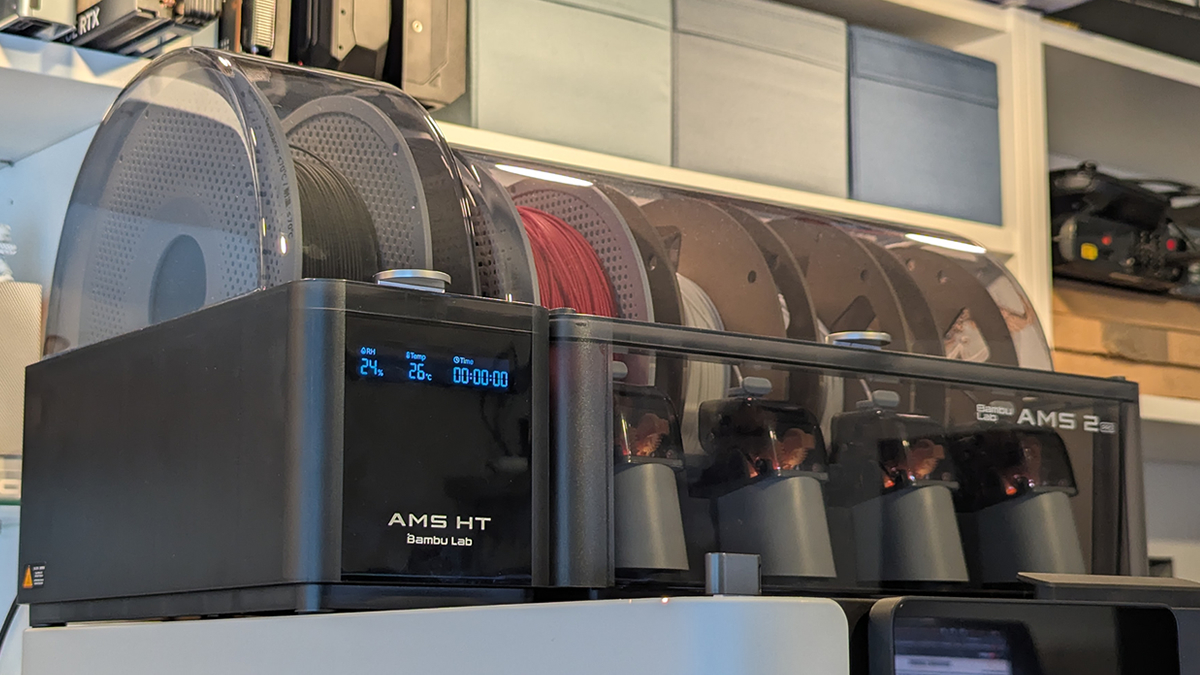
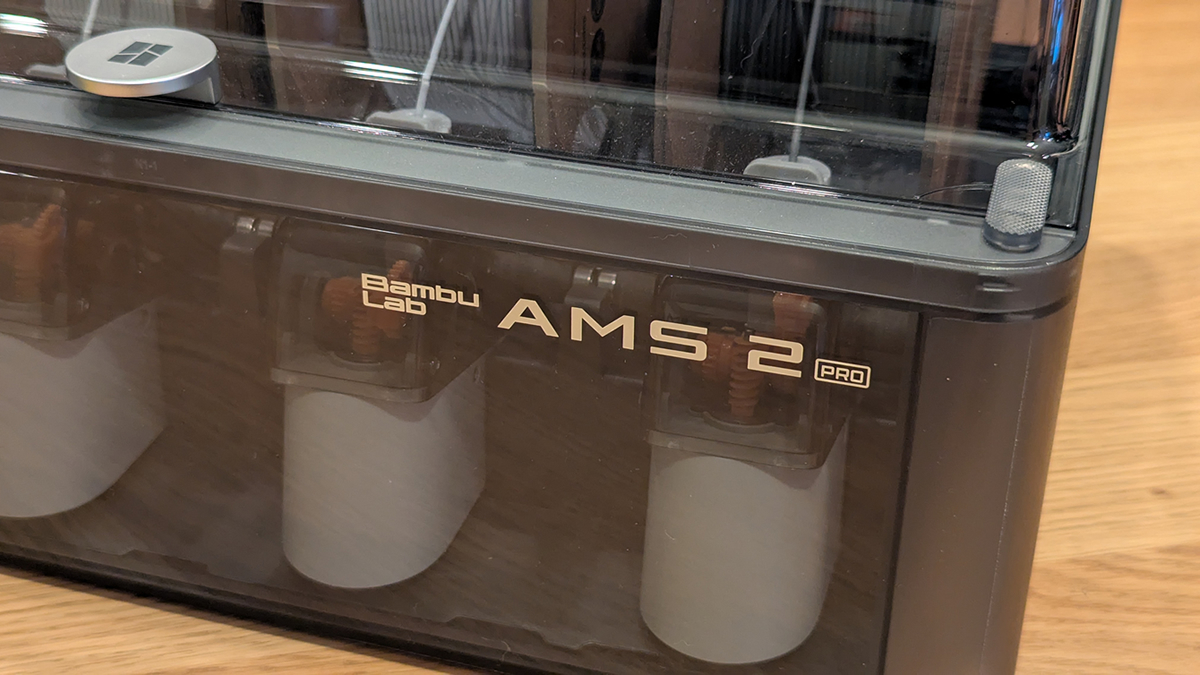
Alongside the H2 series, Bambu Lab launched their new AMS 2 Pro and AMS HT. AMS stands for Automatic Material System, and it is a must-have add-on for any Bambu Lab 3D printer.
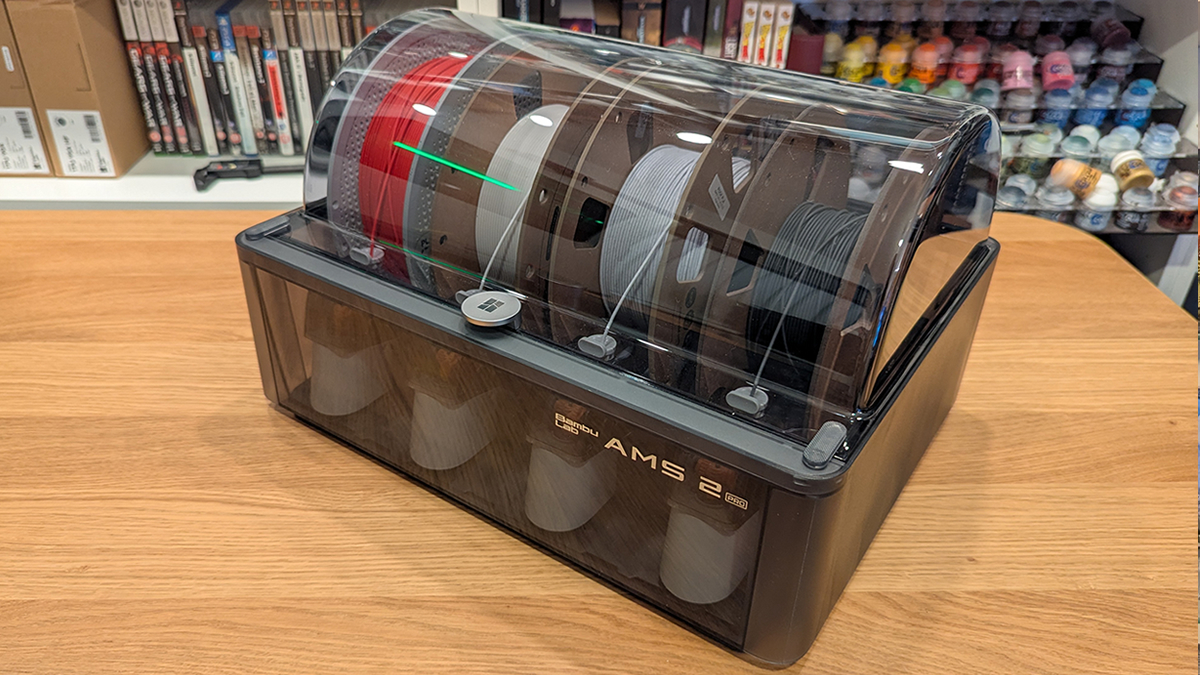
The AMS 2 Pro has four chambers, allowing four filaments to be stored within the unit. This unit can be connected to the H2D or other compatible Bambu Lab 3D printers and be used to automatically feed or remove filament from the printer. This makes filament switching a painless process. It also makes multi-material/colour 3D printing possible without the need for manual filament switches.
Supported 3D filaments
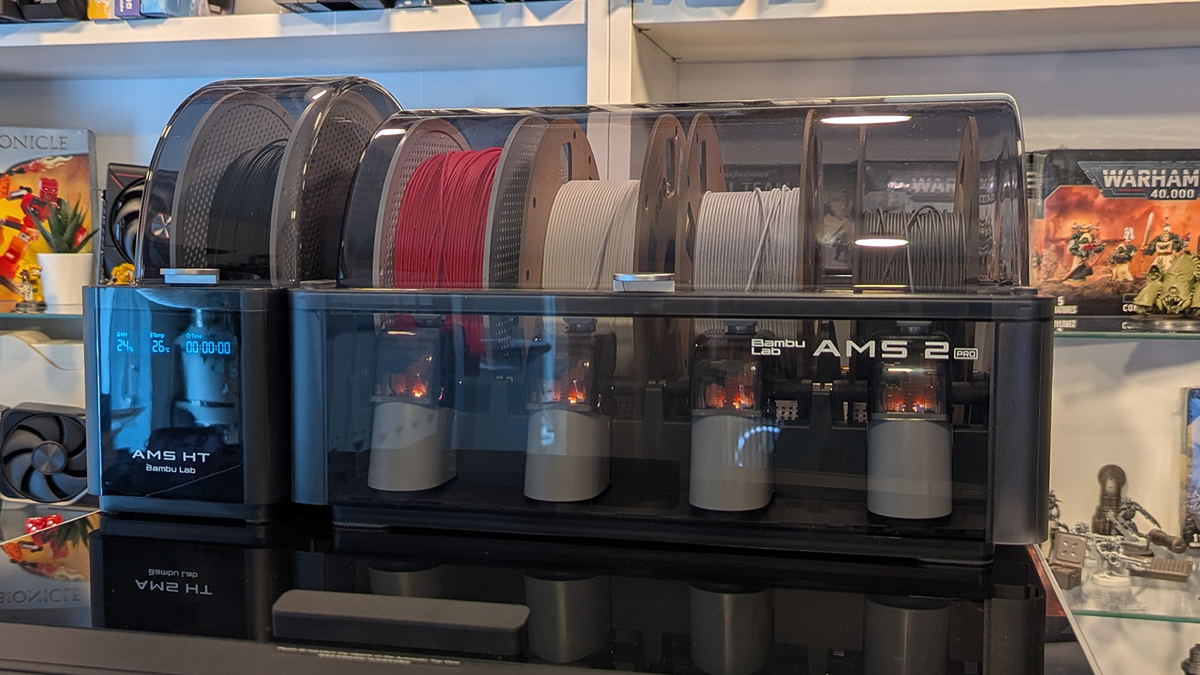
We have used 3D printing filament from various brands to test the AMS 2. Almost all of them worked without issues. We will note that filaments with cardboard spools are not ideal for the AMS 2 or HT, as any dents/bends on the spool will ruin its spinning motion and will make it prone to jams. While we did not face this issue, it is worth noting that I ensure that my spools are in good condition. The Bambu Lab AMS system is designed for Bambu Lab spools, and they are what work best with the system. That said, I had a great time using filament from Overture, Jayo, and other brands.
The only brand of 3D printing filament I had problems with was from Prusa. Prusa’s Prusament spools are slightly wider than Bambu Lab’s spools. While these spools did fit and worked most of the time, they were prone to weird tangles during retraction. This caused some of our prints to pause during filament changes, which is not ideal. If you use an AMS 2 or AMS HT, avoid Prusament.
Power and Connectivity
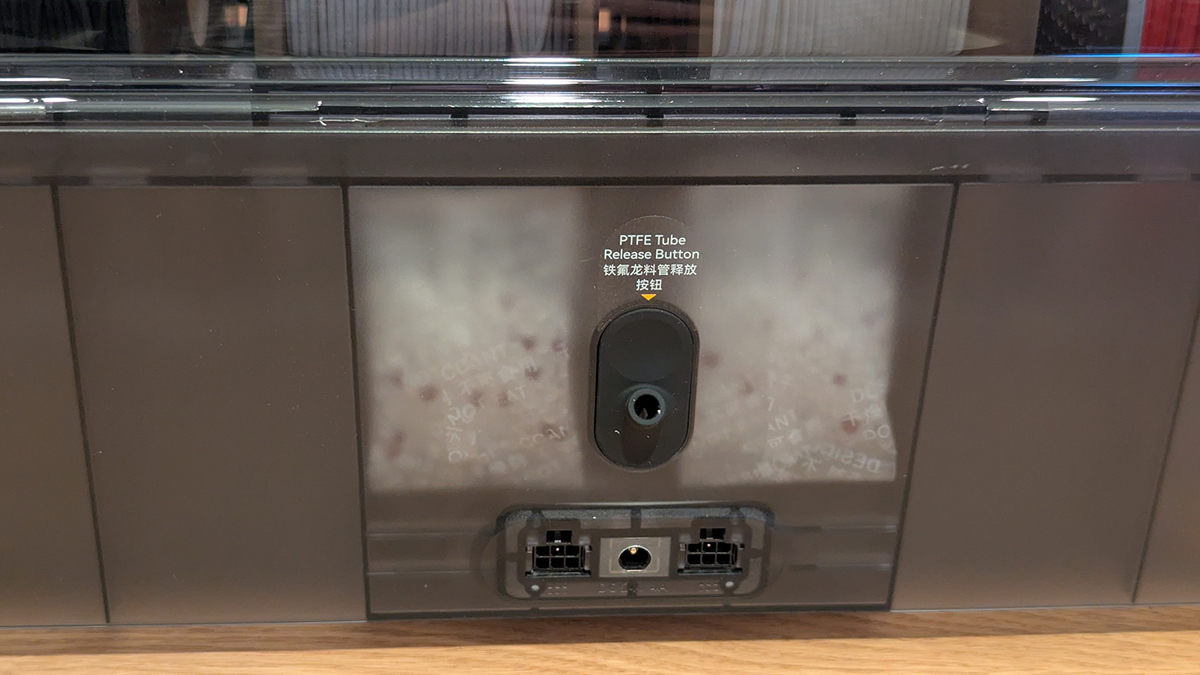
The Bambu Lab H2D can power a single AMS 2 Pro through its 6-pin connector. A second 6-pin connector is also available to daisy-chain the AMS to another AMS unit. In theory, the H2D can be connected to up to 4 AMS 2 Pro units and four AMS HT units. That means that the H2D can support up to 24 filaments through the AMS system. If you connect these to a single hot-end and use the external spool holder, the H2D can print with 25 colours/materials.
When multiple AMS 2 Pro units are connected to a single H2D, only one of them can dry filaments at a time. This is due to power constraints. Note that a power input is available, which, with the right adapter (adapter here), can be used to supply power to an AMS and overcome this limitation. This will allow multiple AMS 2 Pro units to dry filament at the same time. Note that the AMS HT has its own power supply and can always dry itself.
Air Vent – Superior Drying
Bambu Lab’s AMS 2 Pro and AMS HT feature filament drying features. This feature heats the air in each unit and can draw moisture out of filaments. 3D printing filament is hygroscopic, meaning it can absorb moisture from its surroundings. This air will vaporise during printing, leading to stringy prints and poorer print quality. At worst, a “wet” filament can cause print failures. Drying 3D prints can restore 3D printing filaments to a dry state and increase print quality. This is especially true for older filaments that have been exposed for a while, or especially hygrophobic filaments like PA, TPU, and PVA.
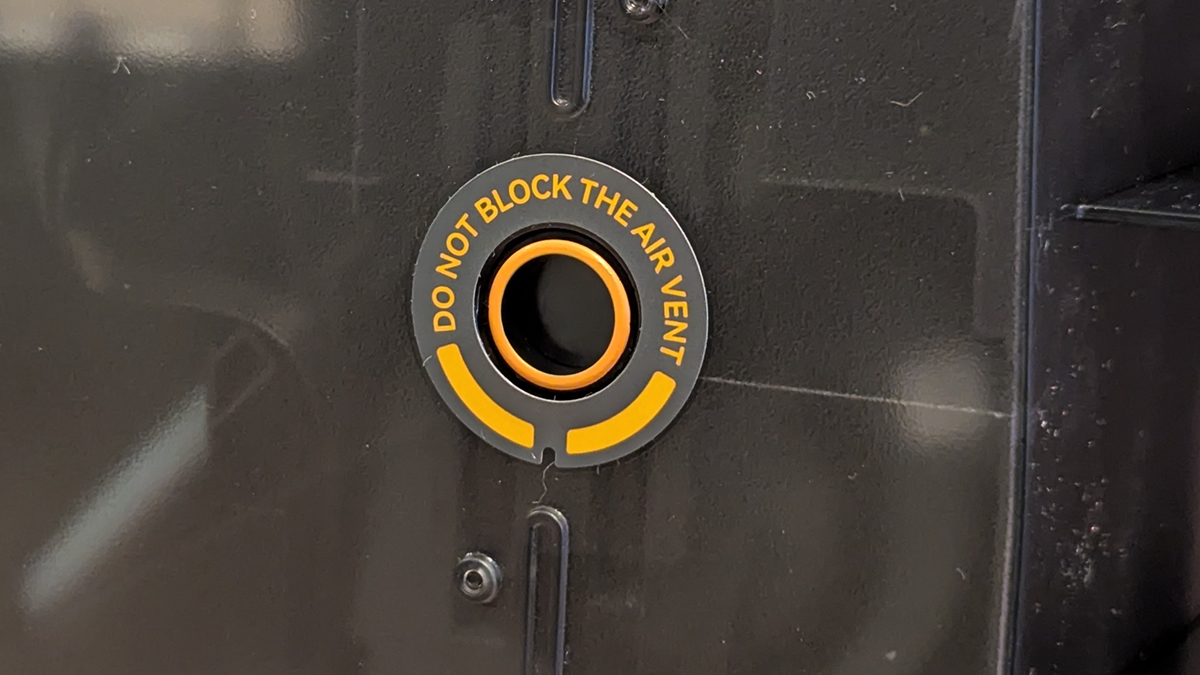
The AMS 2 Pro and AMS HT both feature air vents for the intake and exhaust of air. This allows both devices to expel humid air and intake fresh air during the filament drying process. This addresses a major issue that many filament dryers have. Without air vents and air replacement within dryers, all water that is removed from the filament remains in the air inside the dryer. This means that when the dryer is turned off, this extra moisture can quickly be reabsorbed into the filament you just dried. Replacing/venting this air prevents this issue, ensuring that the air inside the unit is dry.
Enhanced Repairability
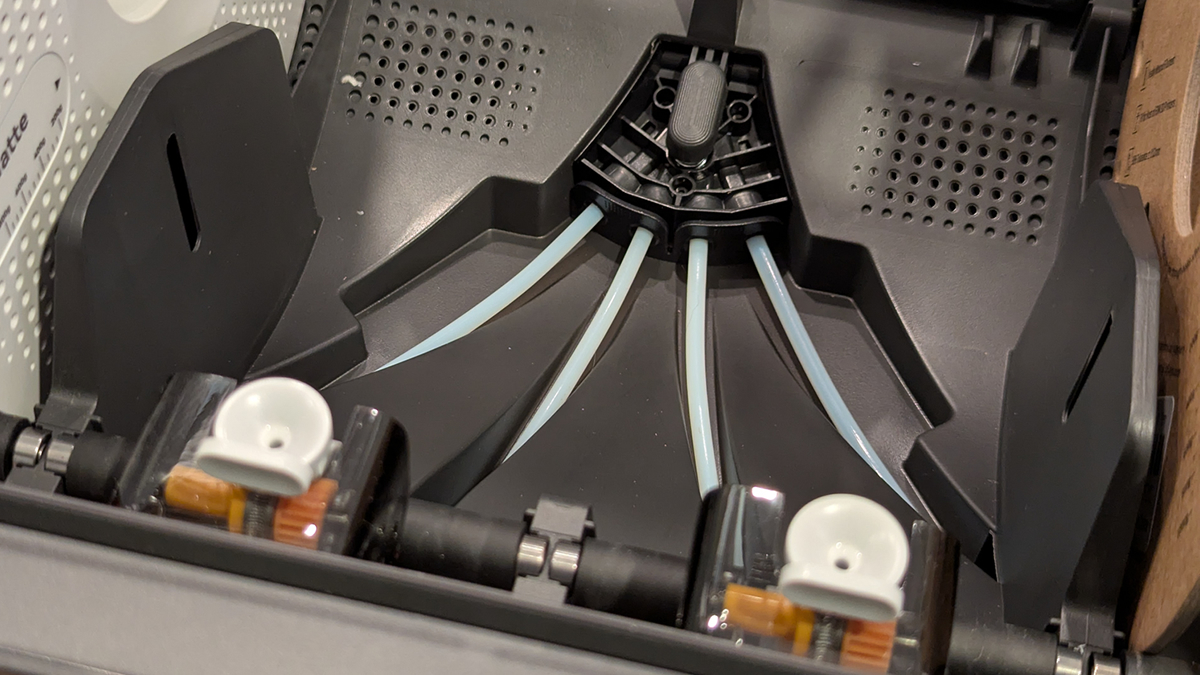
Unlike Bambu Lab’s older AMS units, parts like the unit’s PTFR tubs are much easier to access with this new model. This makes AMS repairs a lot easier. Parts for Bambu Lab’s AMS units are available for user repairs. If parts of an AMS wear out, users can replace them to have a functioning AMS again. Bambu Lab doesn’t expect users to replace their AMS if things go wrong.
AMS HT – High Temperature AMS
The AMS 2 Pro can be heated to temperatures of up to 65 degrees. This is ideal for standard filaments like PLA and PETG. For high temperature drying filaments, like TPU, the AMS HT’s higher drying temperature support (up to 85 degrees) makes it a great add-on for users of more specialised materials.
The H2D has enough space to place an AMS 2 Pro and an AMS HT on top of the printer, allowing five materials to be used there. To accommodate higher temperatures, the AMS HT uses different materials and is smaller, supporting only one filament. It also had a small display that can showcase drying time, its internal temperature, and humidity.
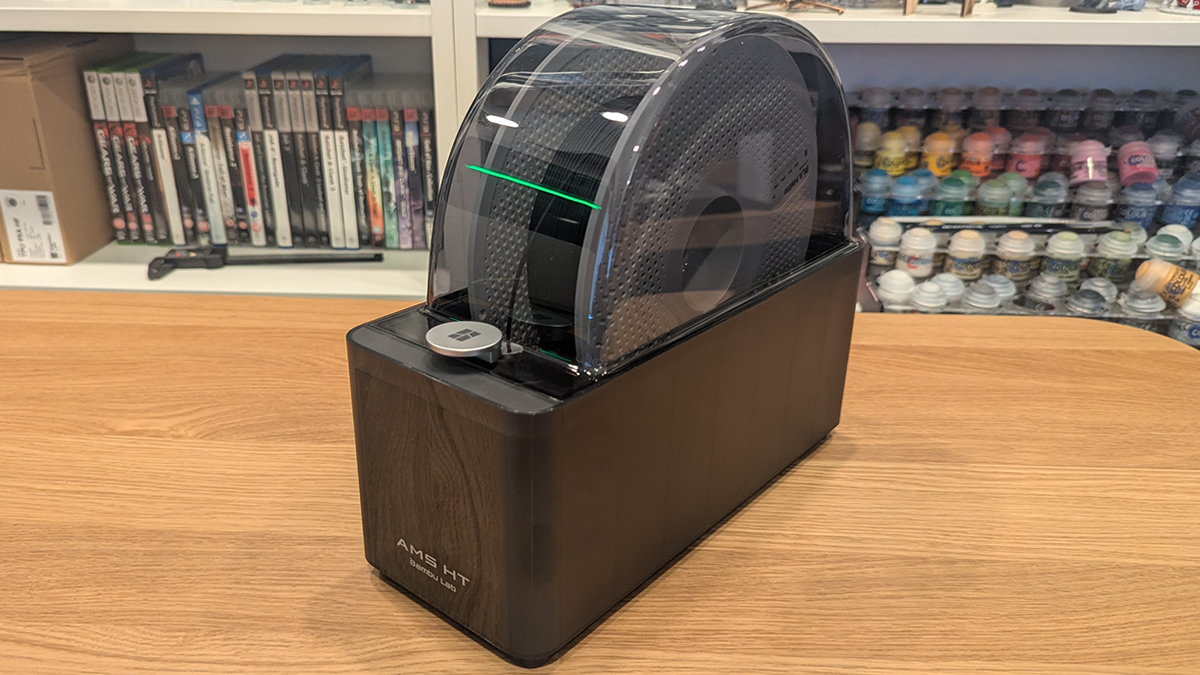
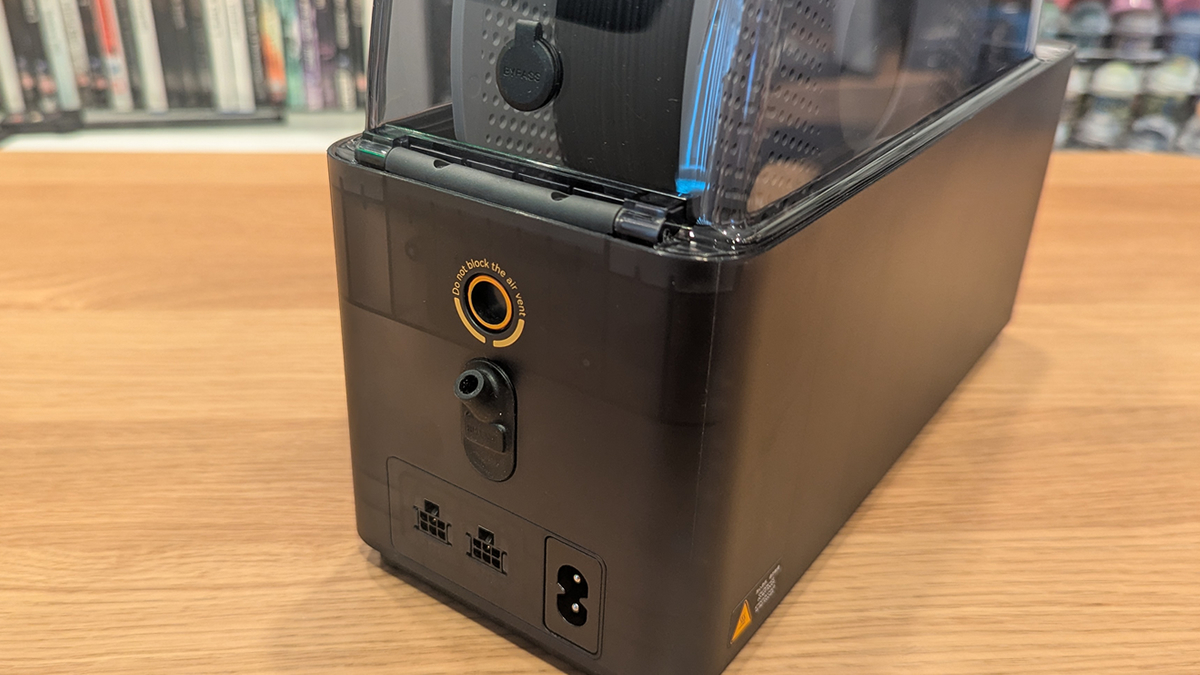
At the rear of the AMS HT is an air vent, a power connector, and two 6-pin connectors. This is similar to the AMS 2 Pro. Additionally, we have a filament bypass hole, which is ideal for feeding TPU into a 3D printer. TPU, a flexible 3D printing material, is not well-suited to the AMS. Ideally, this filament should be feeded directly into your 3D printer’s hot-end with minimal friction.