


Bambu Lab H2D Laser 3D Printer Review – Make Everything!

Conclusion – It does everything
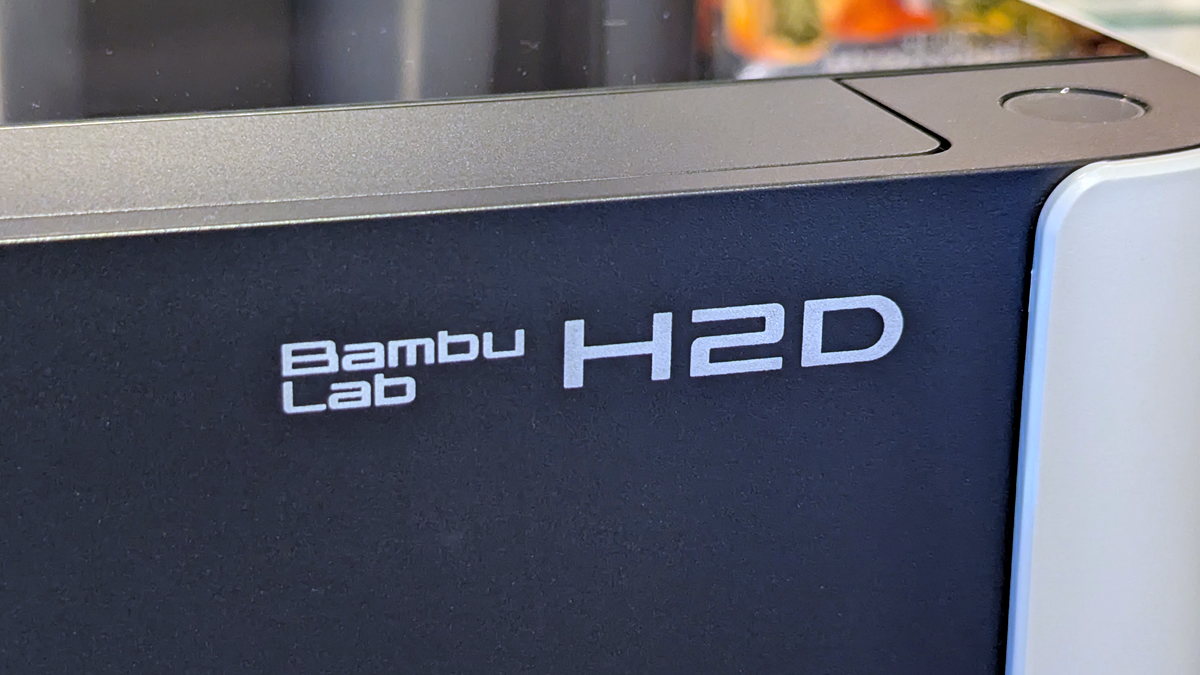
The Bambu Lab H2D Laser is three machines in one
The Bambu Lab H2D Laser is an interesting device. Yes, it’s a 3D printer, but it is much more than that. The full H2D Laser package delivers a feature set that turns this 3D printer into a mini manufactorum. Instead of having separate laser, cutting, and 3D printing devices, you can have everything in one package, and that opens a lot of doors. If you don’t have space for separate machines, the H2D Laser can enable you to make/create with fewer limits.
This device has me thinking about how I can combine 3D prints with laser-cut items to create interesting new objects. Below, I have created a simple toolbox for H2D’s various accessories, incorporating laser-cut basswood with a 3D printed box to make something much more visually appealing. Now I’m thinking how I could use cutting, laser-cutting, and 3D printing as part of a single project. Other machines don’t make you consider these kinds of options.
The standard H2D can be upgraded
We’ve reviewed the H2D Laser Full Combo package today, but users of the standard H2D can upgrade their units to support laser cutting and cutting. These are separate upgrades, and the cutting (not laser cutting) upgrade kit is very cost-effective at around £60. A separate laser module upgrade kit is also available.
The only negative that I have about the H2D Laser is that Bambu Lab’s Bambu Suite app isn’t as polished as Bambu Studio. Bambu Studio is an excellent slicer for 3D printing. Bambu Suite has a harsher learning curve and could benefit from having more material profiles. A slate engraving/etching profile would be an excellent add-on.
Note that the Bambu lab H2D laser uses a blue laser. 10W and 40W laser modules are available. Blue lasers cannot cut clear acrylic, so keep this in mind if you want to use the H2D laser to cut this kind of material. You’d need a different kind of laser for that.
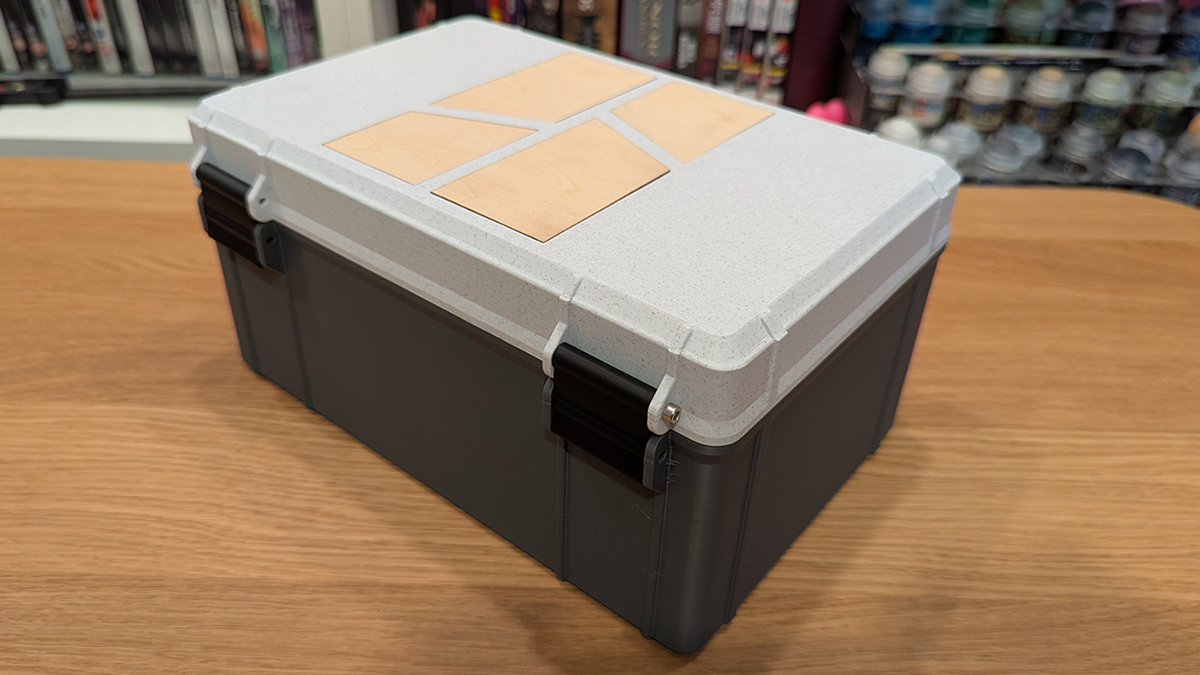
(H2D Accessory Box Design from M.M’s Prop Shop)
The Bambu Lab H2D (as a 3D printer)
The Bambu Lab H2D lives up to Bambu Lab’s reputation. This is a solid 3D printer with the same strengths as other Bambu Lab products. Bambu Slicer is a great slider with excellent material profiles. We used this printer to print PLA, PETG, PETG-CF and TPU from Bambu Lab and other brands. We had a great 3D printing experience throughout. Note that we did have issues using Prusament filament with the AMS 2 Pro, but that was due to Prusa’s spools being slightly too wide. That’s not a Bambu Lab problem.
With the AMS system, the H2D excels at multi-colour printing. The dual-nozzle design of the printer greatly speeds up multi-colour prints. However, the dual-nozzle nature of this printer can only achieve so much. This printer doesn’t have a tool changer; once you go over two colours/materials, you face the same problems as standard 3D printers, albeit to a lesser extent.
Proper multi-material 3D printing
Where the H2D excels is in 3D prints that require two incompatible materials, where traditional tool-changing is impossible. An example of this is TPU and other filaments. The H2D allows TPU to be printed with PLA supports or enables TPU to be integrated into 3D prints with other filaments. The H2D also excels with two-colour prints, as it greatly accelerates print times and eliminates switching waste. For many colour prints with a primary colour, the H2D also saves time and eliminates a lot of material switches.
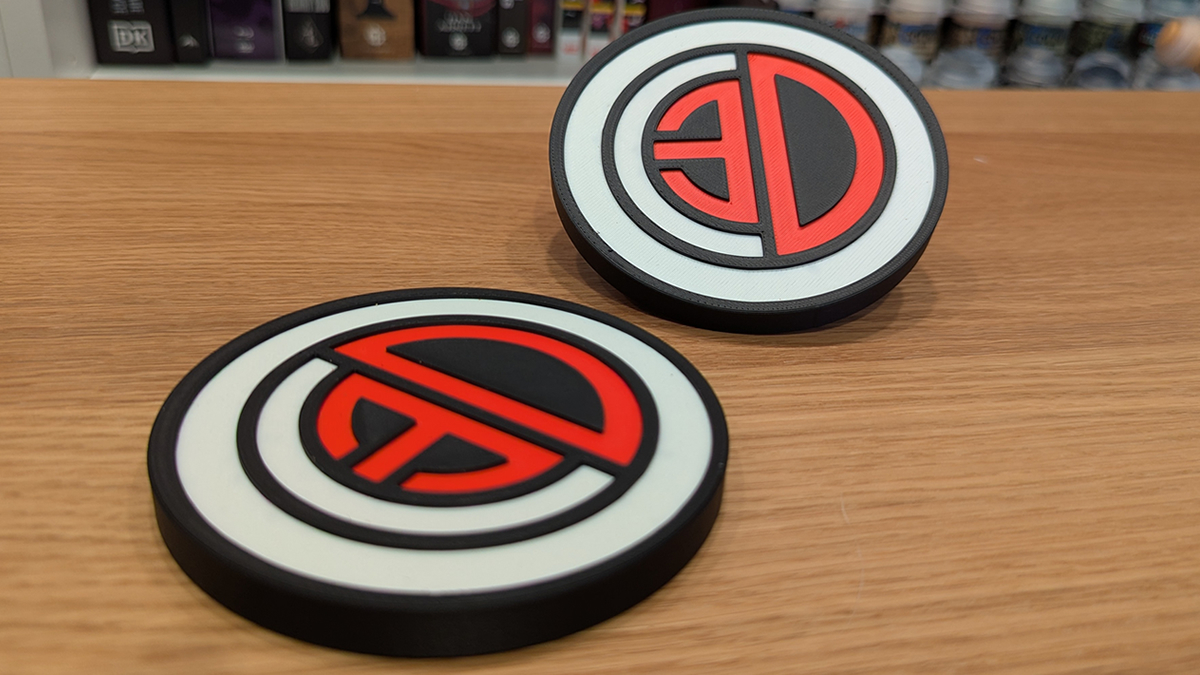
While a full tool-changer setup is preferable for many material prints, the H2D gets most of the way there with its dual nozzle setup. Thankfully, Bambu Lab has promised an upgrade path from the H2D to the H2C, an upgraded design with “zero purge waste” and “7 material” support. So if your problem with the H2D is that it only has two nozzles, Bambu Lab has you covered.
Overall, the H2D is a superb large-format 3D printer. Print quality is excellent, and the software is good. Add-ons like the AMS are transformative, and the H2-series’ cutter and laser add-ons deliver features that would otherwise require separate machines. We’ve reviewed the H2D “Laser Full Combo” package, and examining all its features was a huge undertaking. This isn’t just a 3D printer, it’s much more than that. These possibilities offer new creative opportunities for users, enabling the creation of more interesting and appealing items.
The H2D is an incredible device, but it isn’t for everyone
The Bambu Lab H2D is an enthusiast-grade device. It isn’t a product for newcomers to 3D printing. Newcomers are better off trying one of Bambu’s more entry-level 3D printers first. The H2D is for users who want to take 3D printing to the next level with larger and more complex multi-material prints. It’s also for users who want more manufacturing capabilities in their maker space, be it with the laser module or the cutting module.
For those who don’t want the dual nozzle aspect of the H2D, Bambu Lab has it more affordable H2S 3D printer. For those who want something more, the H2C is coming. Right now, the H2D is Bambu Labs’ best 3D printer (well, there is the H2D Pro…), and it is awesome. For its versatility and unmatched feature set, the Bambu Lab H2D deserves an OC3D Enthusiast Grade Award.

You can join the discussion on Bambu Lab’s H2D Laser 3D Printer on the OC3D Forum.

