


F1 2018 PC Performance Review

F1 2018 PC Performance Review
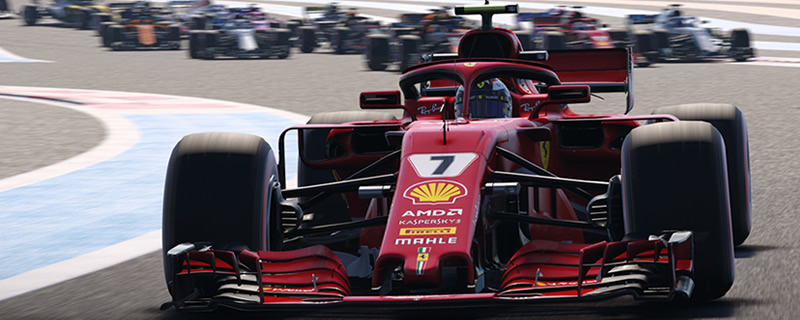
Like other sports titles like FIFA and Madden, F1 2018 builds on top of the accomplishments of its predecessor, enhancing the game’s visuals while also adding new elements to the game like media interviews and other career mode exclusive features. Aside from these additions, new tracks have also been added to the game, such as the Paul Ricard circuit and Hockenheim.
Today we will be looking at F1 2018’s PC version, measuring the game’s performance across a wide range of hardware. F1 2018 includes several unusual graphics options, providing players with different visual presets for Geforce and Radeon users by default, something which is almost unheard of within the PC market.
F1 2018 also ships with high recommended CPU requirements, listing six-core processors like the Ryzen 5 2600X and Intel Core i5 8600K, making the game appear to be a CPU-thrashing powerhouse. We will see how this game fares at lower core counts later on.
Contents
– System Requirements and Testing Methodology
– Graphical Settings and controls – They are not the same for AMD and Nvidia users
– Graphical Settings Comparison – Ultra Low to Ultra High
– Graphical Settings Comparison – Ultra Low to Ultra High – Part 2
– HBAO+ VS ASSAO – Is there a Visible/performance difference? AMD and Nvidia optimised settings
– RX 580 VS GTX 1060 – Graphical Scalability – Ultra Low to Ultra High
– Core Scaling – Should F1 players have high core count CPUs?
– 1080p Benchmarks – AMD VS Nvidia
– 1440p Benchmarks – AMD VS Nvidia
– 4K Benchmarks – AMD VS Nvidia
– Gaming on older hardware – R9 380 VS GTX 960 – 60FPS target
