ROG Xbox Ally X Review

OS
OS
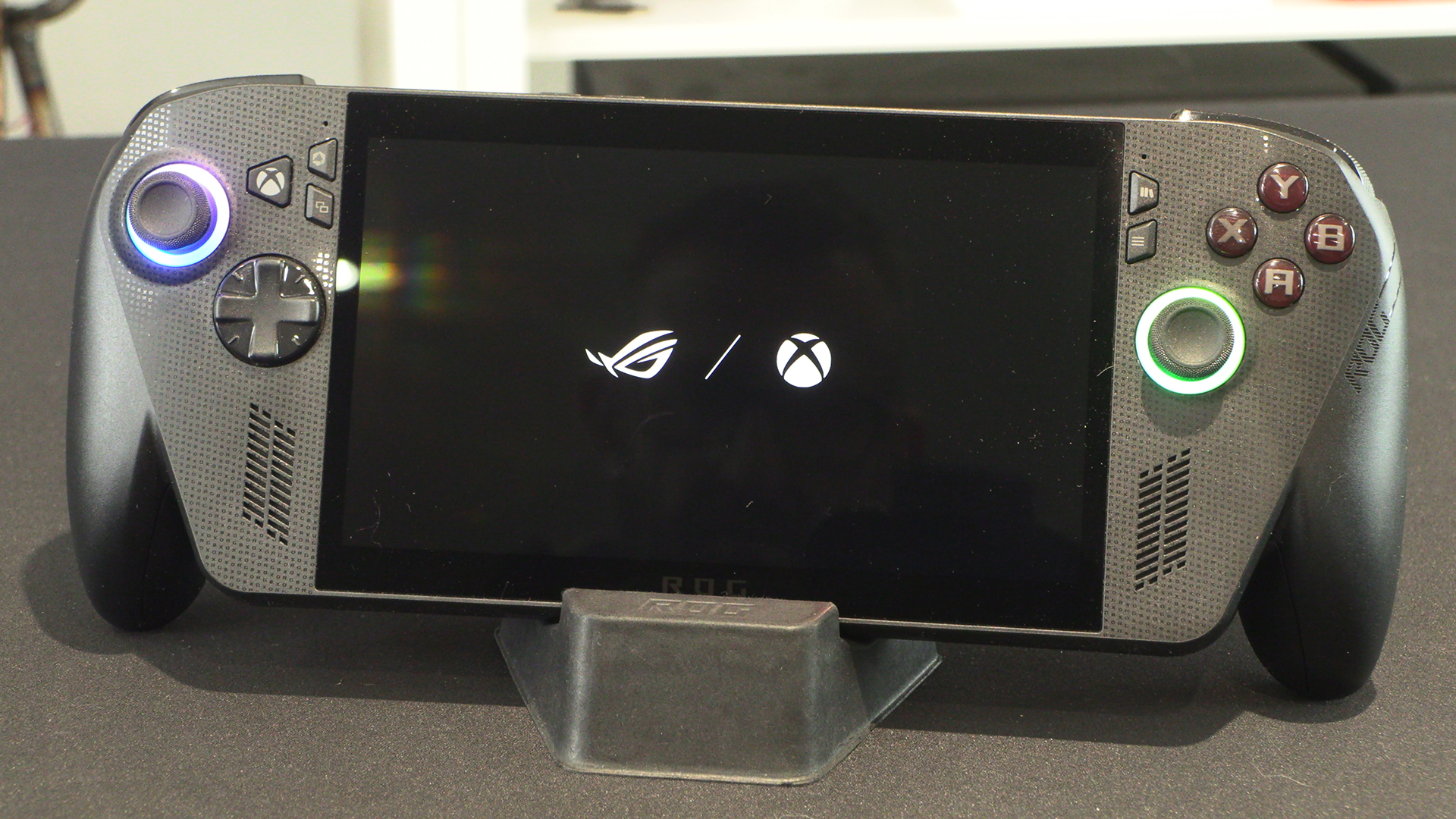
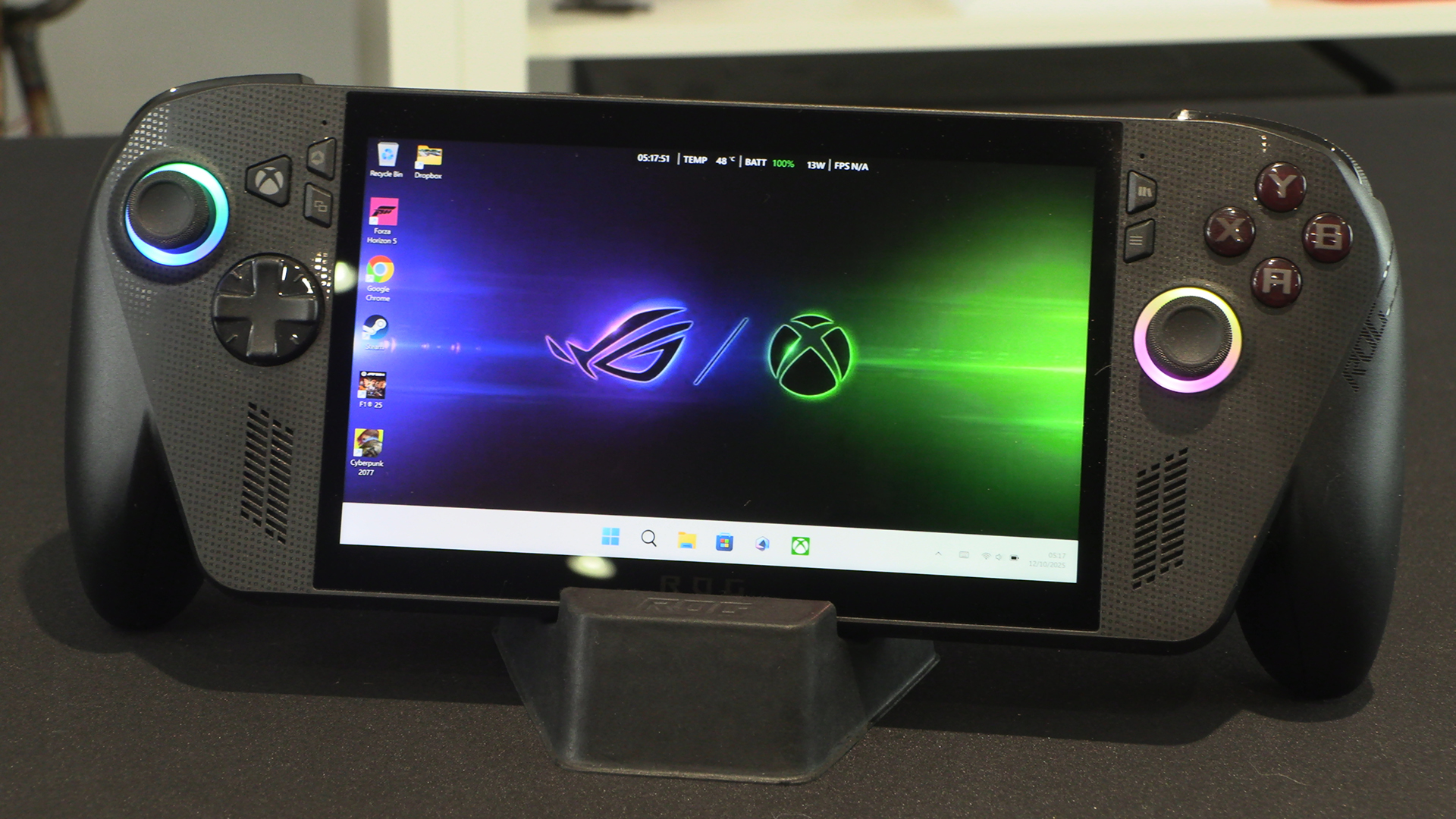
Once you’re booted up you can enjoy the crossover main logo. ROG and Xbox together.
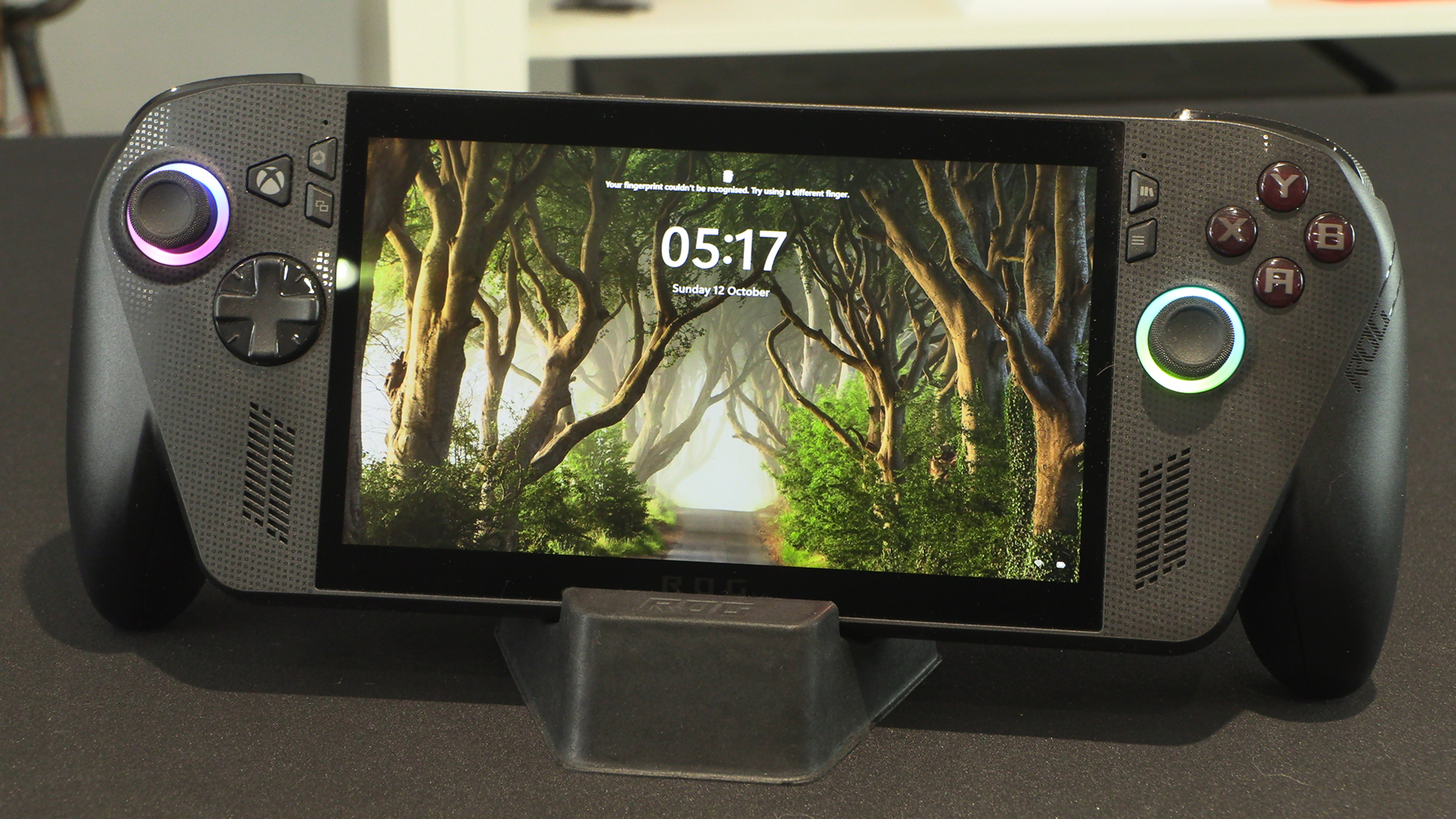
Just in case you wondered if this genuinely is running Windows 11 under the hood. A lock screen with which we’re all familiar.
Out of that and we have a familiar screen. Albeit one with much larger icons than we normally see. We like the temperature and battery level bar at the top. Handy.
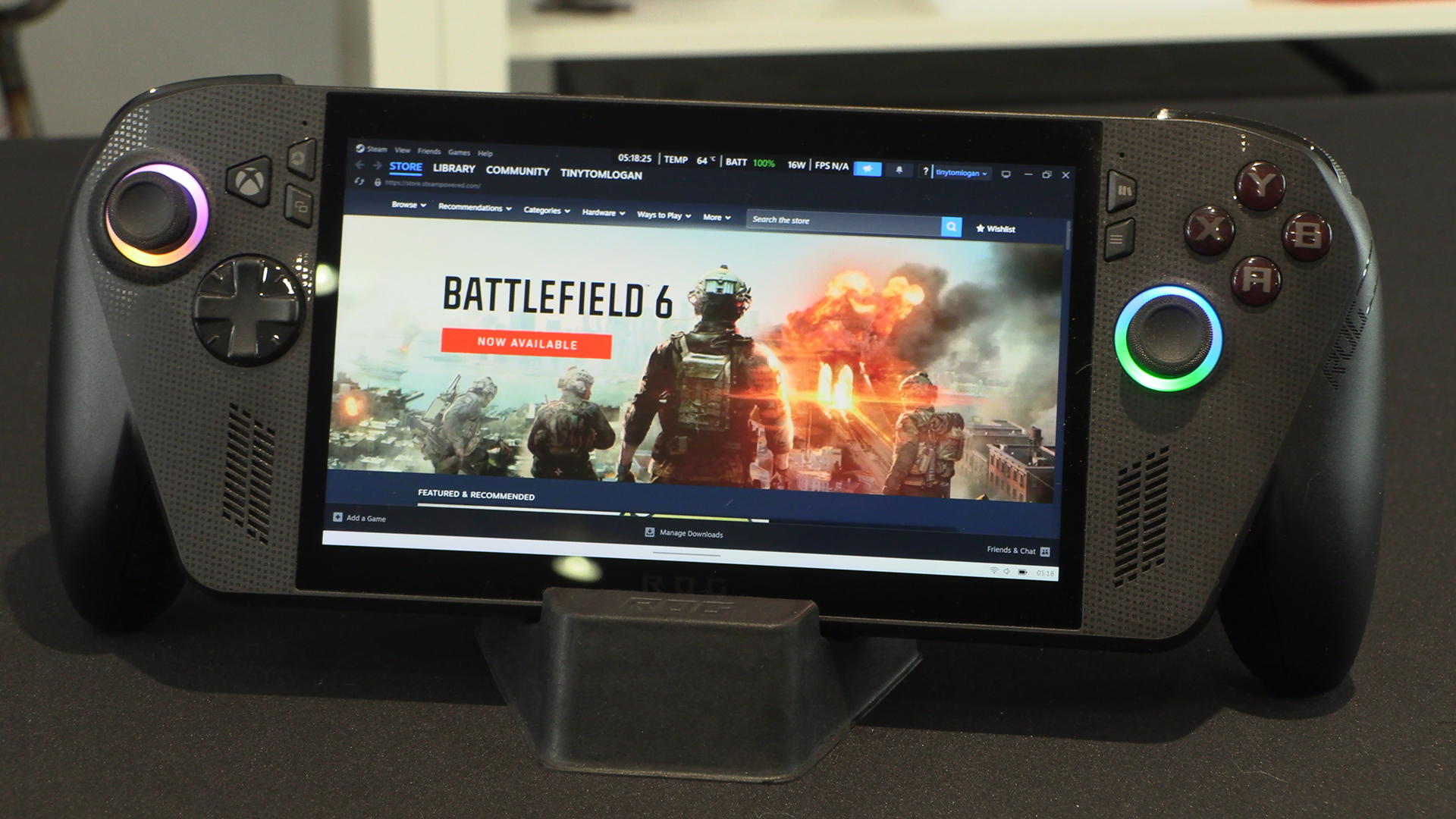
We feared, when we first heard about this, that you’d be Gamepass limited. Nope. Steam happily running along. If you wanted a flashier Steamdeck…?
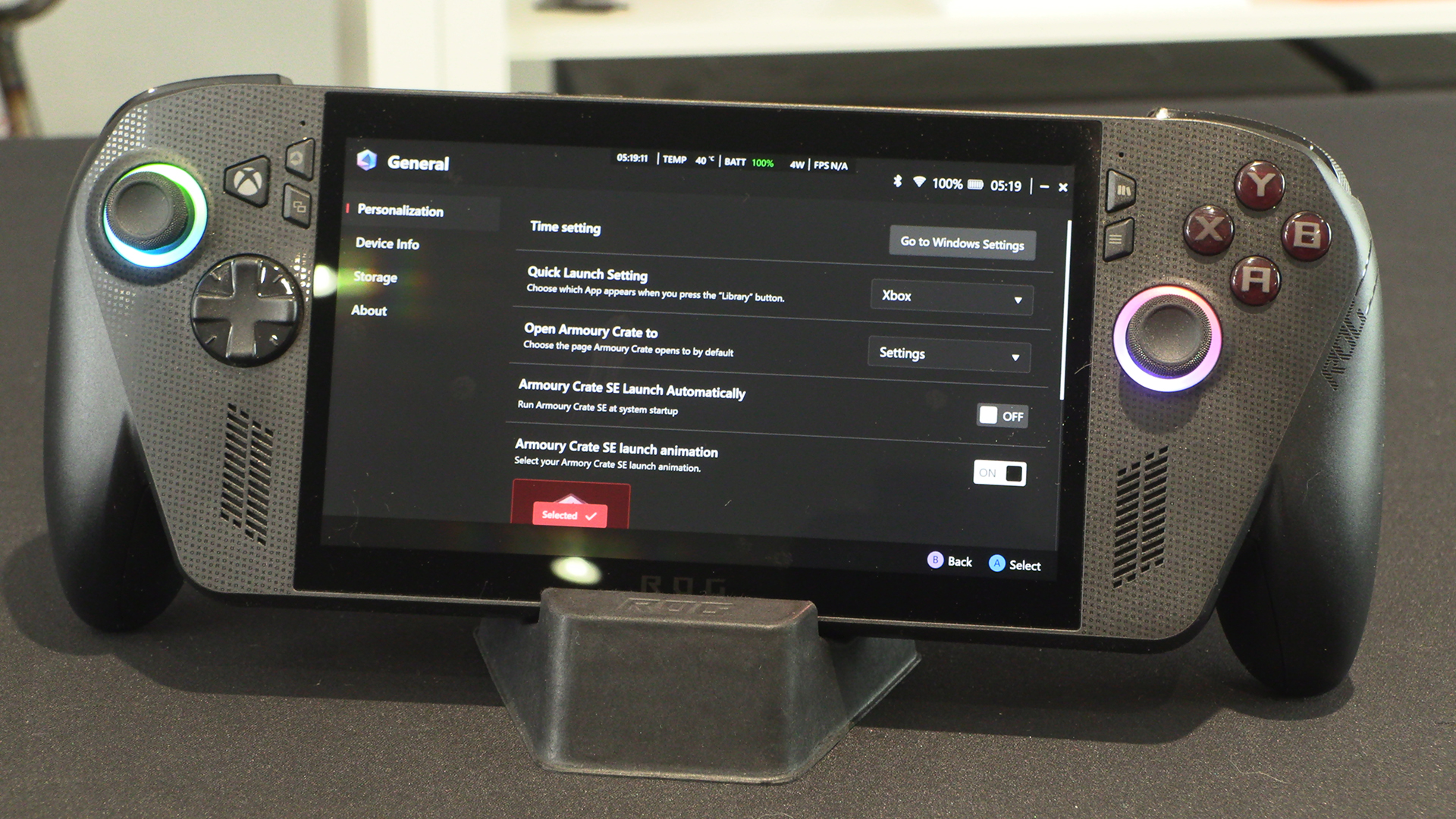
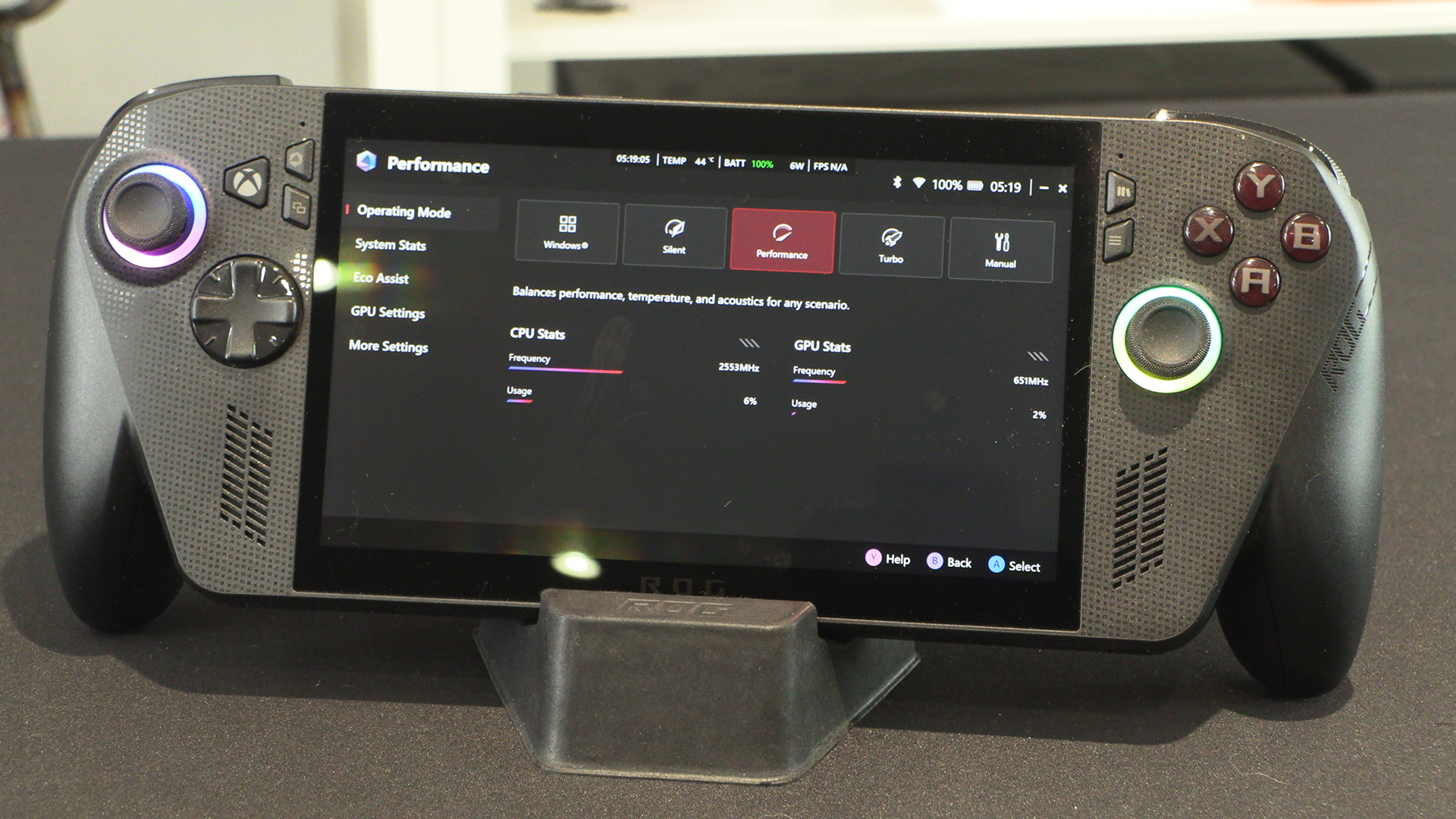
Being an ASUS product you get the Armory Crate software. There is a lot here to help ensure you get the smoothest possible gameplay with the minimum of technical know-how. If you have got a lot of know-how the fact it is a full on Windows 11 system let’s you fine tune to your heart’s desire.
The Xbox app will be familiar to many of us. Hopefully now the Ally X is finally out Microsoft will stop pushing daily updates. It was becoming tiresome on our desktops.
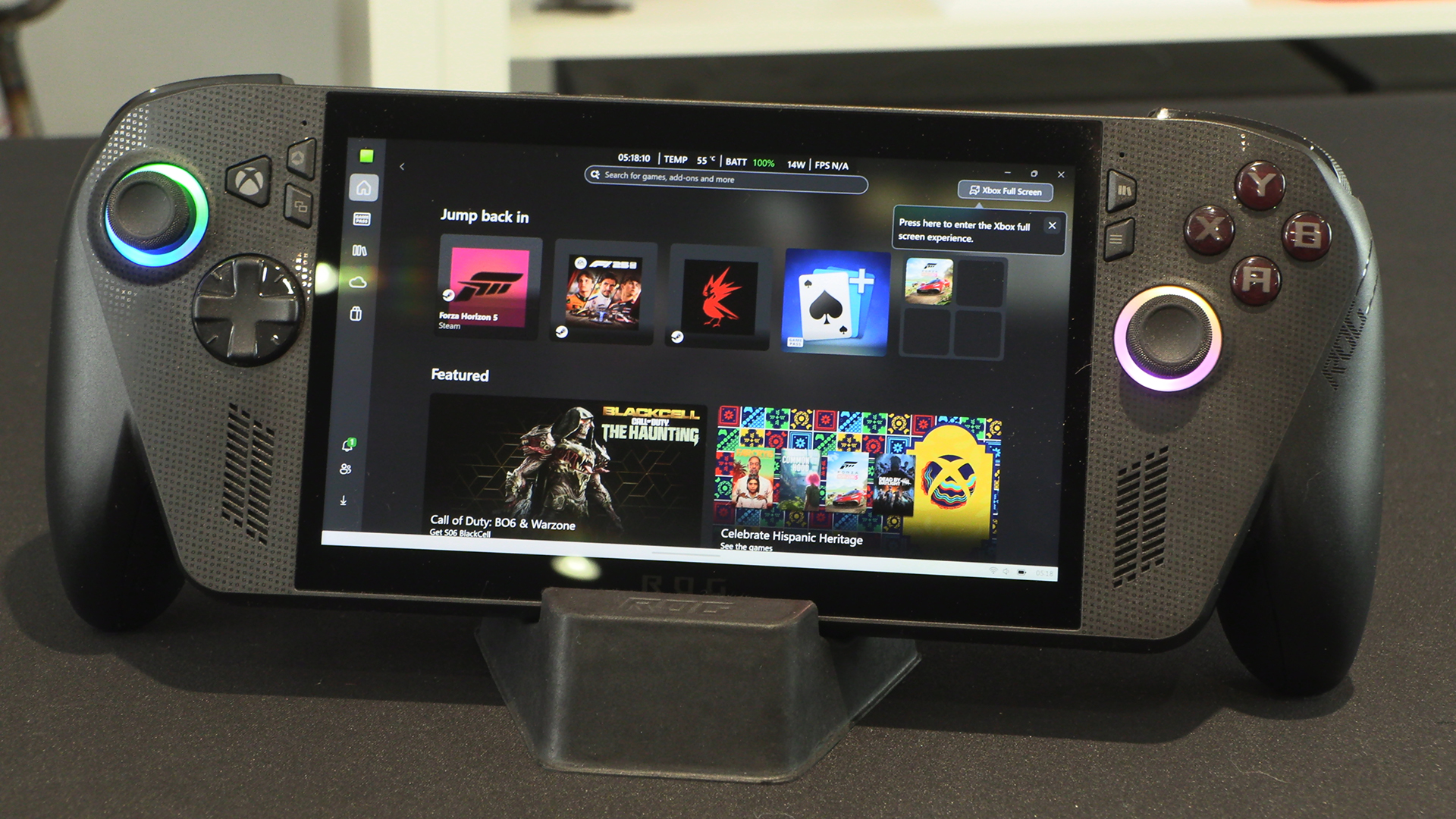
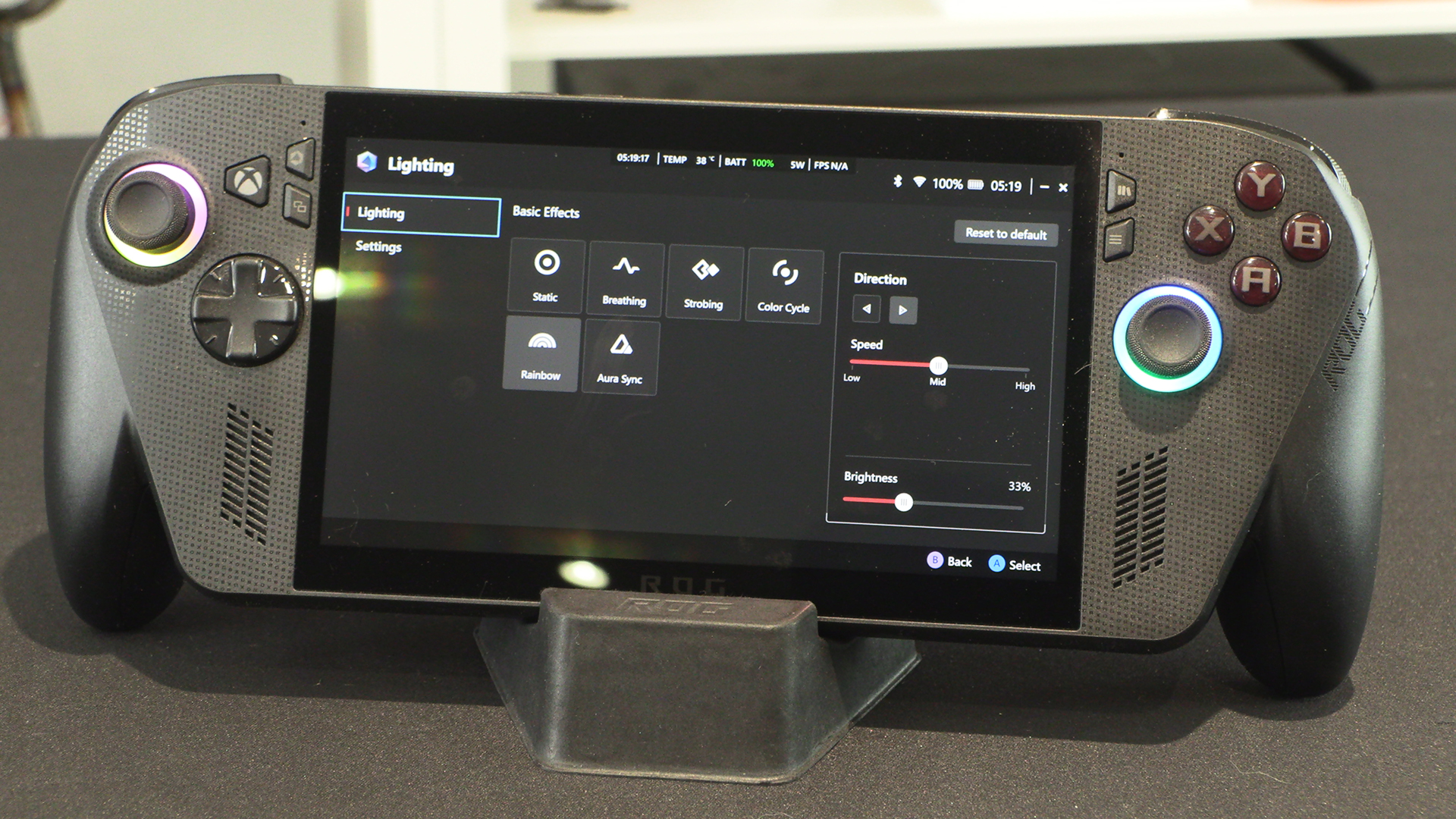
Should you want things exactly how you like them then the amount of customisation is staggering. We love that they’ve taken the everything approach, rather than dumbing it down.
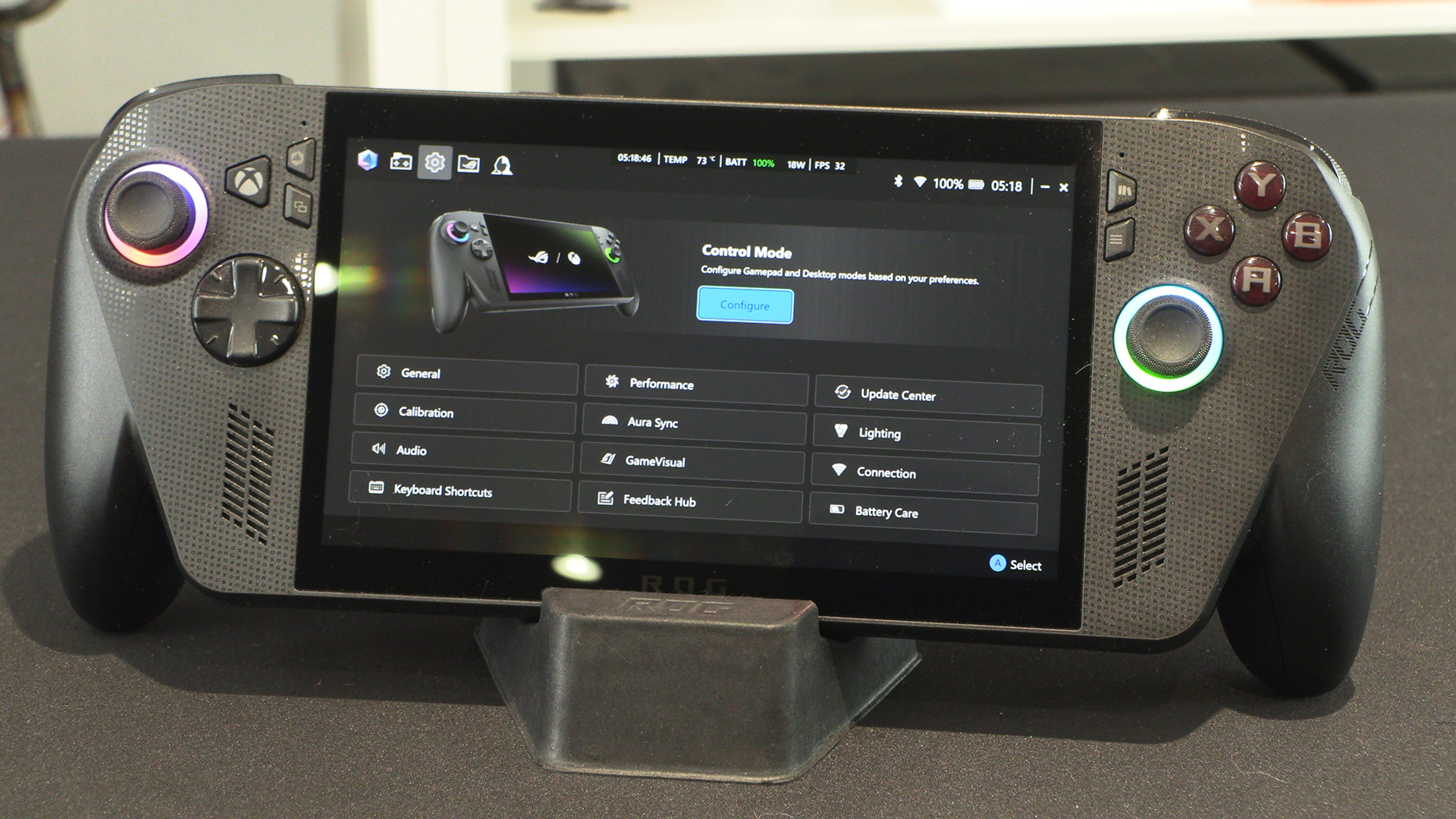
Given how often we hit them by accident, we like that you can tweak what the onboard buttons take you to. We also like that the lighting is within your command too.