God of War Ragnarok PC Performance Review

Introduction – The God of War Prepares for Ragnarok on PC
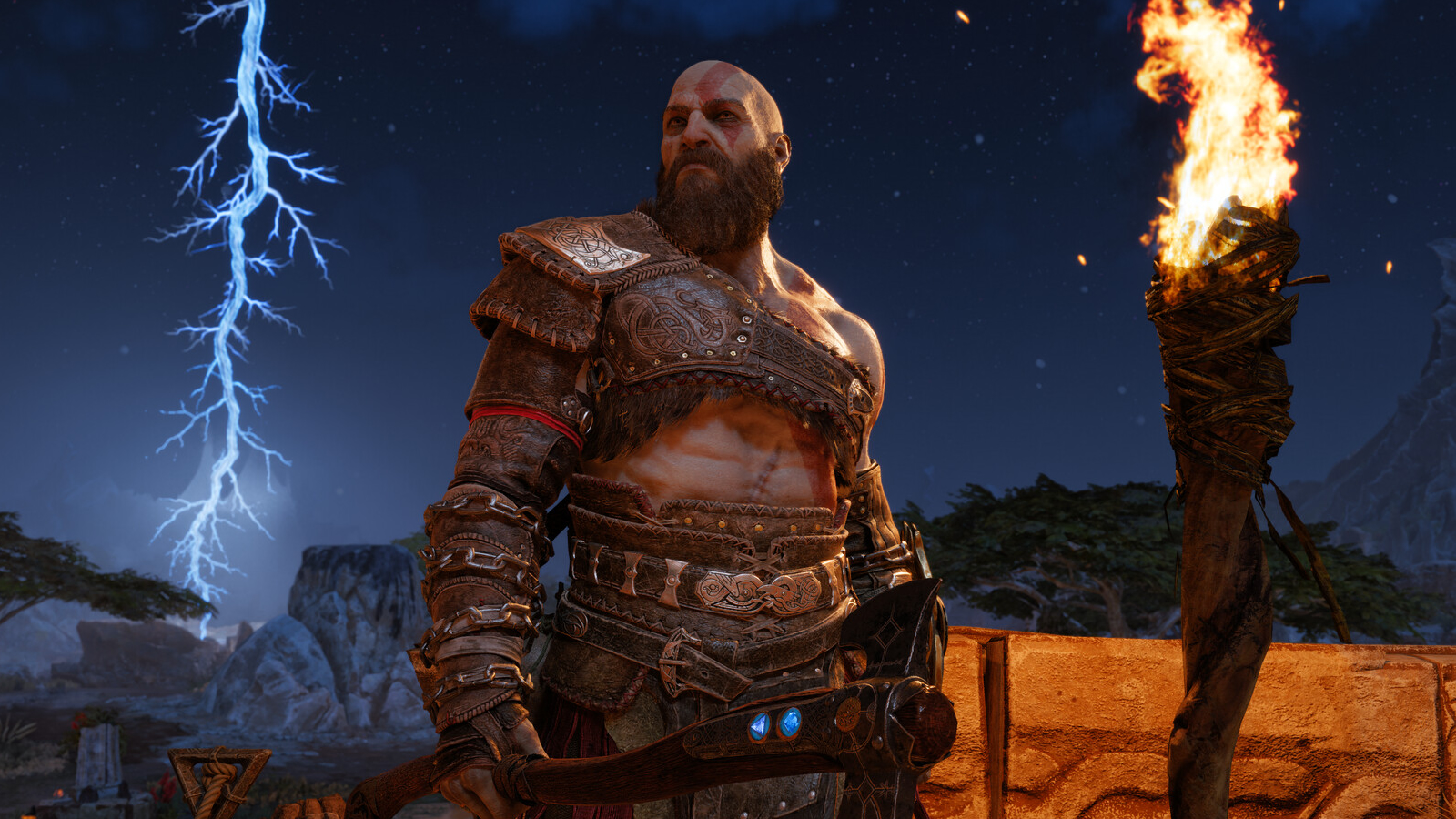
God of War Ragnarok has finally arrived on PC – Does it run well?
Sony’s PS4/PS5 hit, God of War Ragnarok, is now available on PC, giving a new section of the gaming community access to the epic action-adventure game. Its predecessor, God of War, was Sony’s top PlayStation PC title when it launched. But will lightning strike twice with this sequel?
Today, we will be looking into the PC version of God of War Ragnarok and give PC gamers tips that will help PC players get higher framerates on their systems. We have optimisation tips, settings recommendations, and more. Now, without further ado, let’s get started.
Review Contents
- CPU Performance
- Memory Performance
- Preset Scaling – Low to Ultra
- Tessellation Performance (Optimisation Tip)
- OC3D Optimised Settings
- DLSS 3 Upscaling
- FSR 3.1 Upscaling
- 1080p
- 1440p
- 4K
- Conclusion
GPU Drivers
When testing God of War Regnarok on PC, we used the newest Nvidia and AMD GPU drivers available at the time of the game’s launch. These drivers were AMD’s Preview Driver God of War Regnarok and Nvidia’s GeForce 561.09 driver for Windows 10/11.
Test Setup – OC3D’s New Test Rig
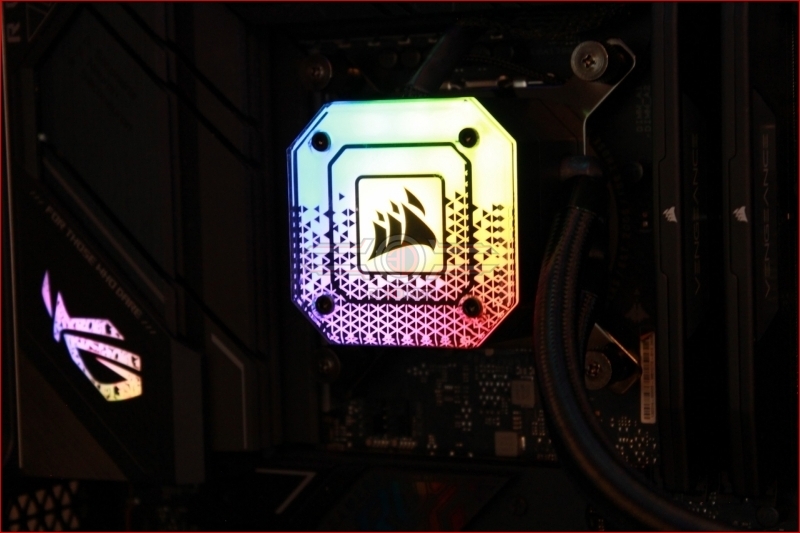
Last year, OC3D started conducting new game testing and GPU reviews on a new test system. Thanks to Corsair, Intel, and ASUS, we have created a new testing system that will allow us to properly test new graphics cards and the newest PC releases. This system features Intel’s i9-13900K processor and a ROG Strix Z790-F Gaming motherboard, with all other components coming from Corsair.
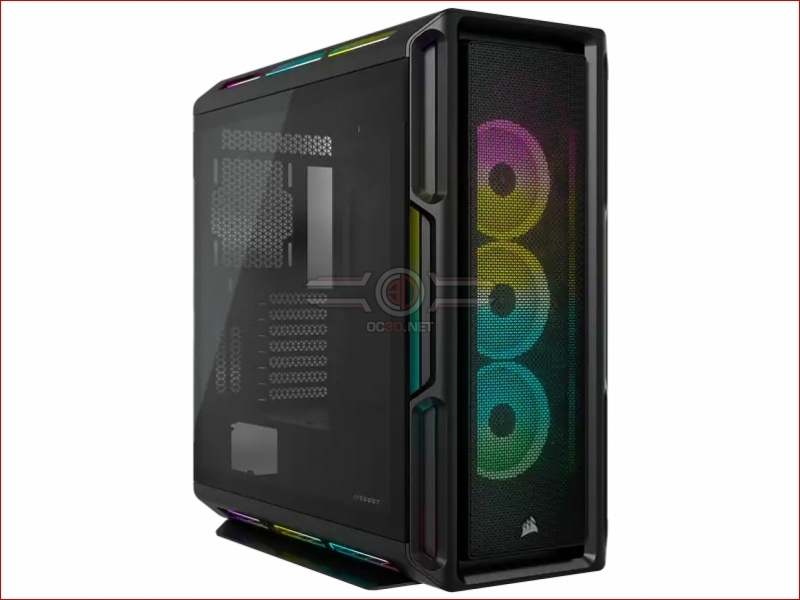
Our new test system is powered, cooled, and operated using Corsair components. The OS we will be using is Windows 11, and the case we will be using is Corsair’s airflow-optimised iCUE 5000T.
System Specs
Below are the full specifications of our new GPU/Games testing system and links to all the components we used.
OC3D GPU/Games Test System Specifications (Affiliate Links below)
CPU – Intel i9-13900K
Cooling – Corsair iCUE H150i Elite CAPELLIX XT
Motherboard – ASUS ROG Strix Z790-F Gaming WiFi
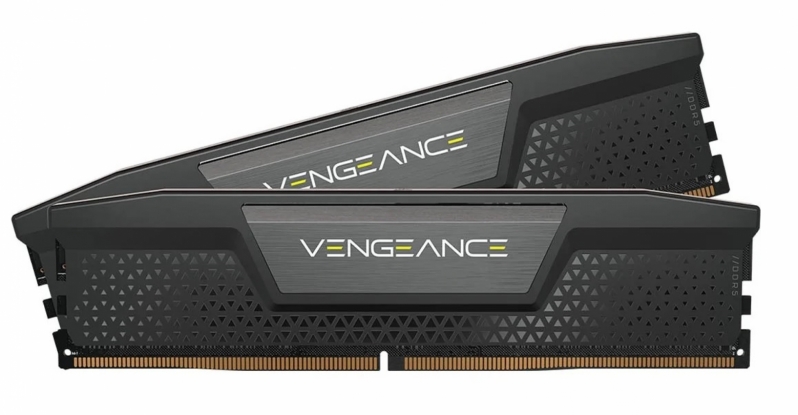
Memory – Corsair Vengeance 2x16GB (32GB) DDR5-6000 CL36 Memory
Storage – Corsair MP600 PRO NH 2TB PCIe 4.0 SSD
Case – Corsair iCUE 5000T RGB
Power Supply – Corsair HX1500i
OS – Windows 11
Nvidia GPUs Tested
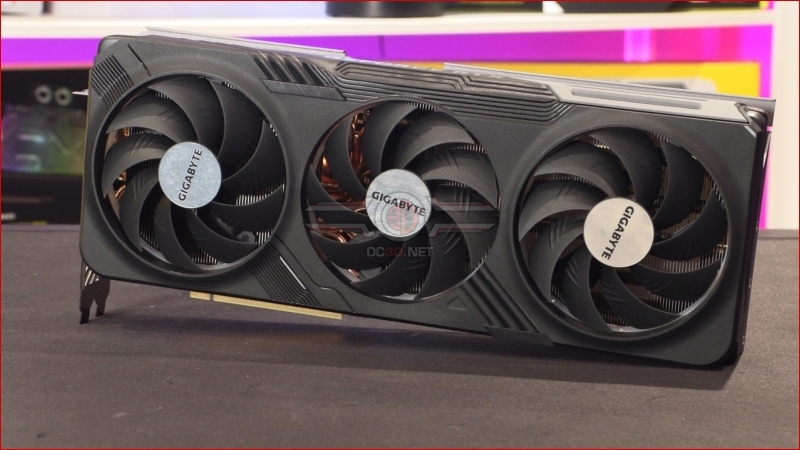
When testing new games, we like to use a large number of graphics cards to see how well titles run on both old and new PC hardware configurations. To do this, we use a large selection of AMD and Nvidia graphics cards, including recently released graphics cards from Nvidia’s RTX 40 series to older GeForce graphics cards like Nvidia’s RTX 2060.
- Gigabyte GeForce RTX 4070 Ti Gaming
- Gigabyte GeForce RTX 4070 WindForce
- Gigabyte GeForce RTX 3070 Ti Eagle
- Gigabyte GeForce RTX 3060 Ti Eagle
- Nvidia GeForce RTX 2070 SUPER Founders Edition
- Nvidia GeForce RTX 2060 6GB
AMD GPUs Tested
On the Radeon side of the GPU spectrum, we can test the following selection of GPUs, which include both RX 7000 and RX 6000 series GPUs.
- Radeon RX 7900 XT
- Radeon RX 6800 XT
- Radeon RX 6800
- Radeon RX 6700 XT
- ASUS ROG Radeon RX 6600 XT Strix
- PowerColor RX 6600 Fighter