


God of War Ragnarok PC Performance Review

Conclusion
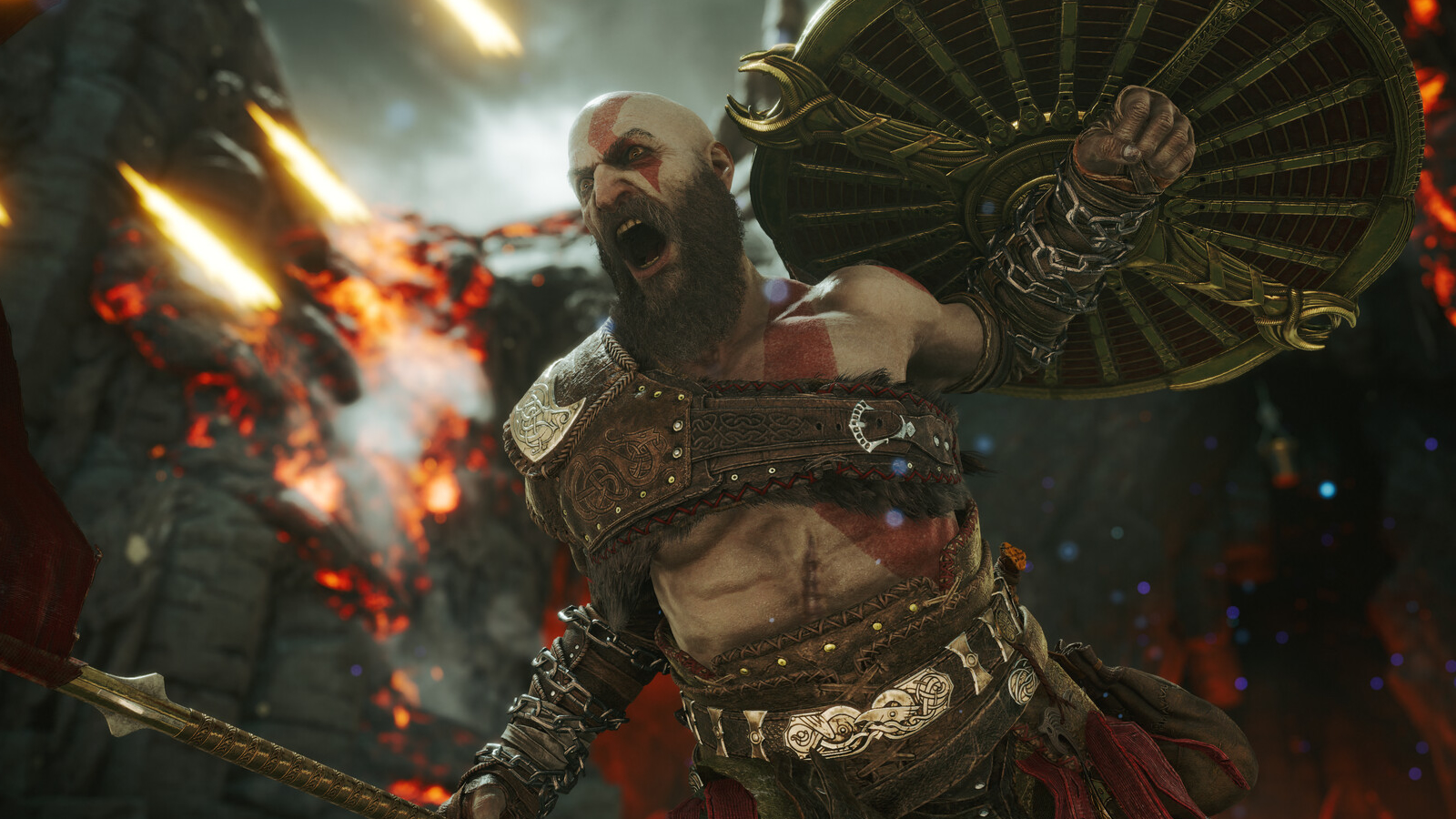
It is a solid PC port with some notable oddities
God of War Ragnarok is an excellent game, provided you are into its storytelling. While we think Sony is wrong to force PC gamers to sign into the PlayStation Network to play a fully single player game, we will not mention it anymore in this analysis. It is an annoyance, but it isn’t the end of the world.
Overall, God of War Ragnarok’s PC version is solid. At launch, DLSS Frame Generation was non-functional, but the game’s newest update has addressed this issue (delaying the release of this PC Performance Review). The game’s performance is fairly scalable using this game’s built-in graphics options, and adding TAA, DLSS, XeSS, and FSR 3.1 upscaling adds even more scalability to the mix. As such, this game can run well on pretty much all modern gaming PCs.
One oddity we will mention is that performance is hugely variable across Ragnarok’s realms. The game will run faster in Midgard than it does in Svartalfheim, for instance. This means that benchmarking data may differ wildly depending on where you conduct your testing. For us, we settled for an area in Svartalfheim, where the game saw some of its largest performance dips.
Even across a single area, framerates can be wildly different. That is the nature of God of War Ragnarok. On consoles, this is masked by the game’s framerate cap, but on PC, this aspect is available for all to see. For this reason, a VRR-compatible PC display is highly recommended when playing this game.
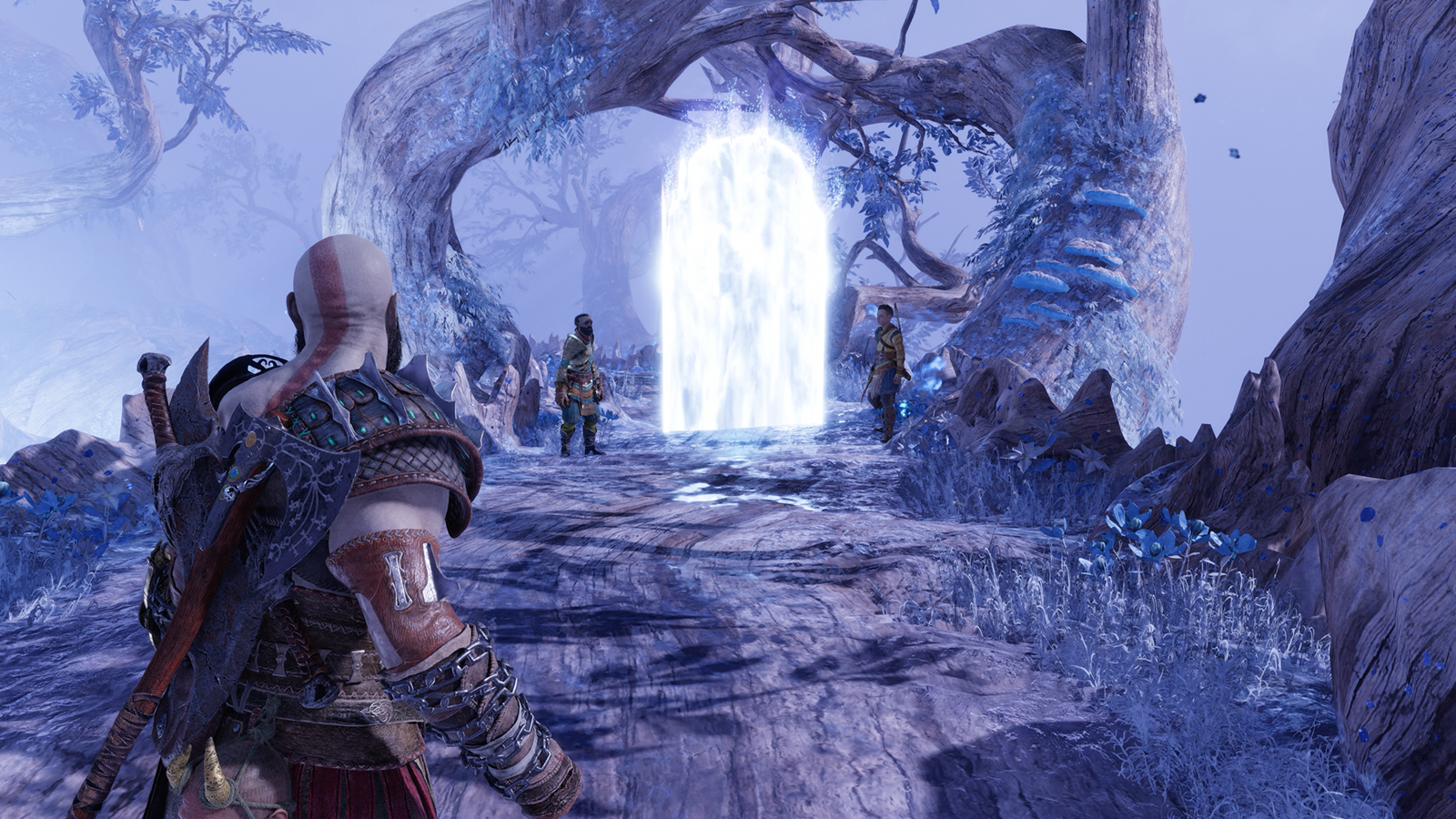
Tesselation – Why is this setting so aggressive?
Once we entered the “Realm Between Realms”, we noticed that our framerates tanked. After a little investigation, we found that tesselation was set incredibly aggressively, allowing us to achieve HUGE performance increases by setting this graphical option to medium. On our GeForce RTX 4070 Ti at native 4K, this change saw framerates move from 47 FPS to 89 FPS. That’s an almost 90% increase! While this performance boost is area-specific, the lack of visual difference between both settings signals that tesselation is used far too aggressively in this area. That said, Radeon GPUs appeared to cope better with this area at Ultra settings.
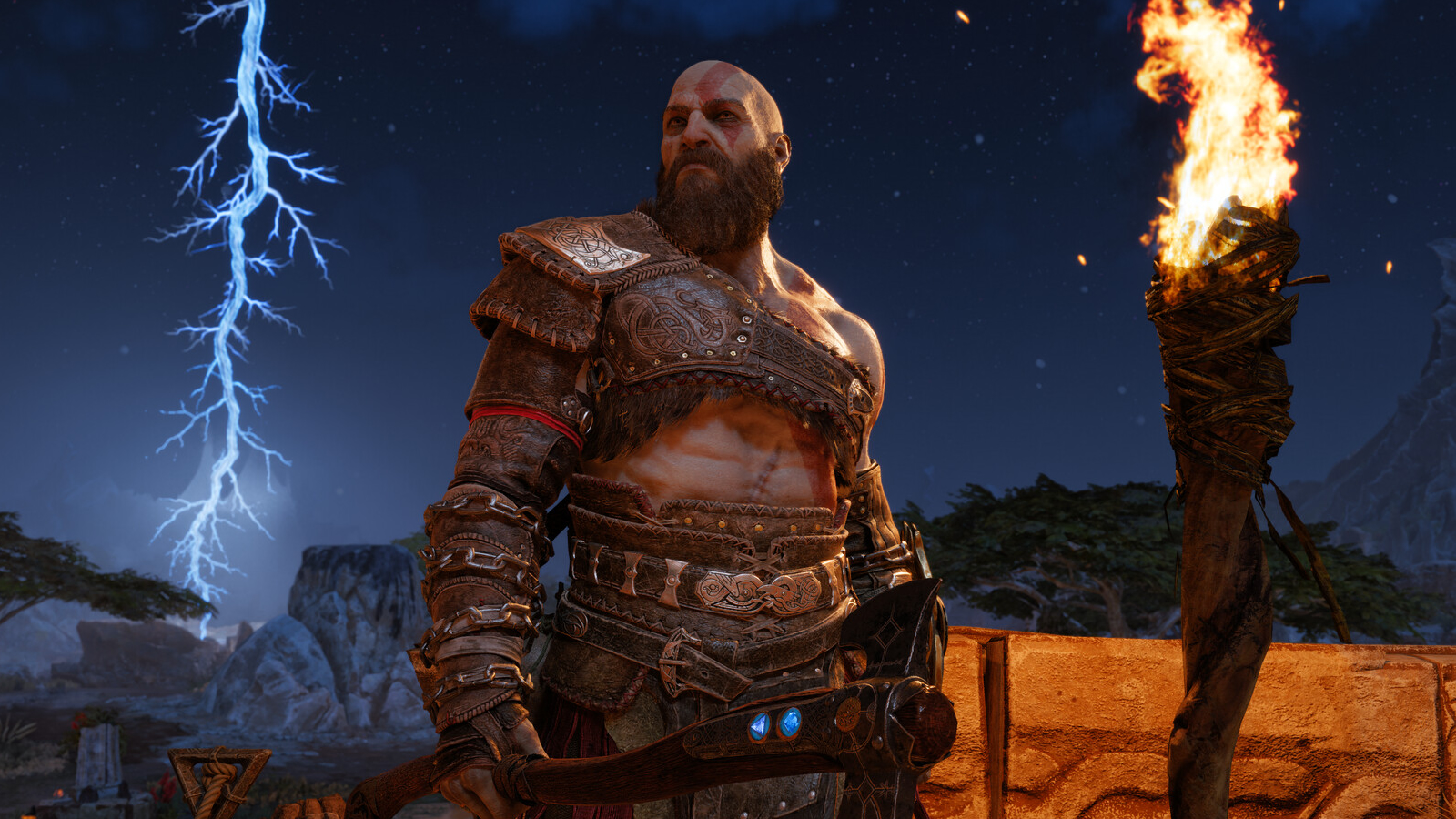
Overall, God of War Ragnarok has a solid PC version
If you follow our settings optimisation tips (see previous pages), you should be able to achieve solid framerates in God of War Ragnarok if you have a relatively modern gaming PC. With the right settings, even Nvidia’s ageing RTX 2060 can deliver a solid experience. Not bad for a mid-range GPU from 2019. The game also looks great at all graphical settings, though higher presets have obvious benefits. This is great news for PC gamers using Low or Medium settings. Even PC gamers with relatively modest systems can have a great experience.
You can join the discussion on God of War: Ragnarok’s PC version on the OC3D Forums.

